The 10 best content automation platforms for enterprise teams in 2026


TL;DR
Each content automation platform on this list automates one layer of the work around content: research and briefing, drafting, orchestration, review, localisation or distribution. For enterprise teams, the gains hold when someone runs the workflow those tools plug into and decides which calls stay with people. This shortlist compares 10 options layer by layer, for heads of content and content operations leads whose work crosses markets, teams and legal review.
A product launch needs a landing page in three languages. The brief starts with product marketing, moves to a writer, then to a subject-matter expert, a brand reviewer, a local market lead and, last of all, legal. Six parties, four handoffs, and somewhere in the middle a draft sits in an inbox for a week. This year the team added three AI tools. The draft still sits there for the week.
That week is where a content automation platform earns its budget or loses it. The Rant Report, Contentoo's research into how content teams work, found that 43% of teams spend 40% or more of their week on coordination and process, and that internal review and approvals is the top-cited bottleneck in production, at 45%. Neither number has much to do with how quickly a first draft appears.
Pedro Ferreira, VP of Marketing at Rydoo, put the pressure on content leaders as a question in an interview for the report: "With the same resources, plus AI, how do you keep increasing your return?" For a team with several markets and several sign-offs, the answer depends on which part of the work a platform takes off people's hands, and who stays responsible for the rest. This guide sorts 10 platforms and tools by the layer they automate, compares them on the same five criteria, and ends with a shortlist by need.
What content automation covers at enterprise scale
Content automation hands the repeatable parts of content work to software, so people can spend their time on the parts that need judgement. The basics of content automation apply at any size; for an enterprise team, the more useful question is which layer of the work you want to automate.
It also helps to separate content automation from document management and business process automation. Those systems store, route and approve files across a whole organisation. Content automation deals with how marketing content gets briefed, made, checked and published, which is where the coordination load from the opening example builds up.
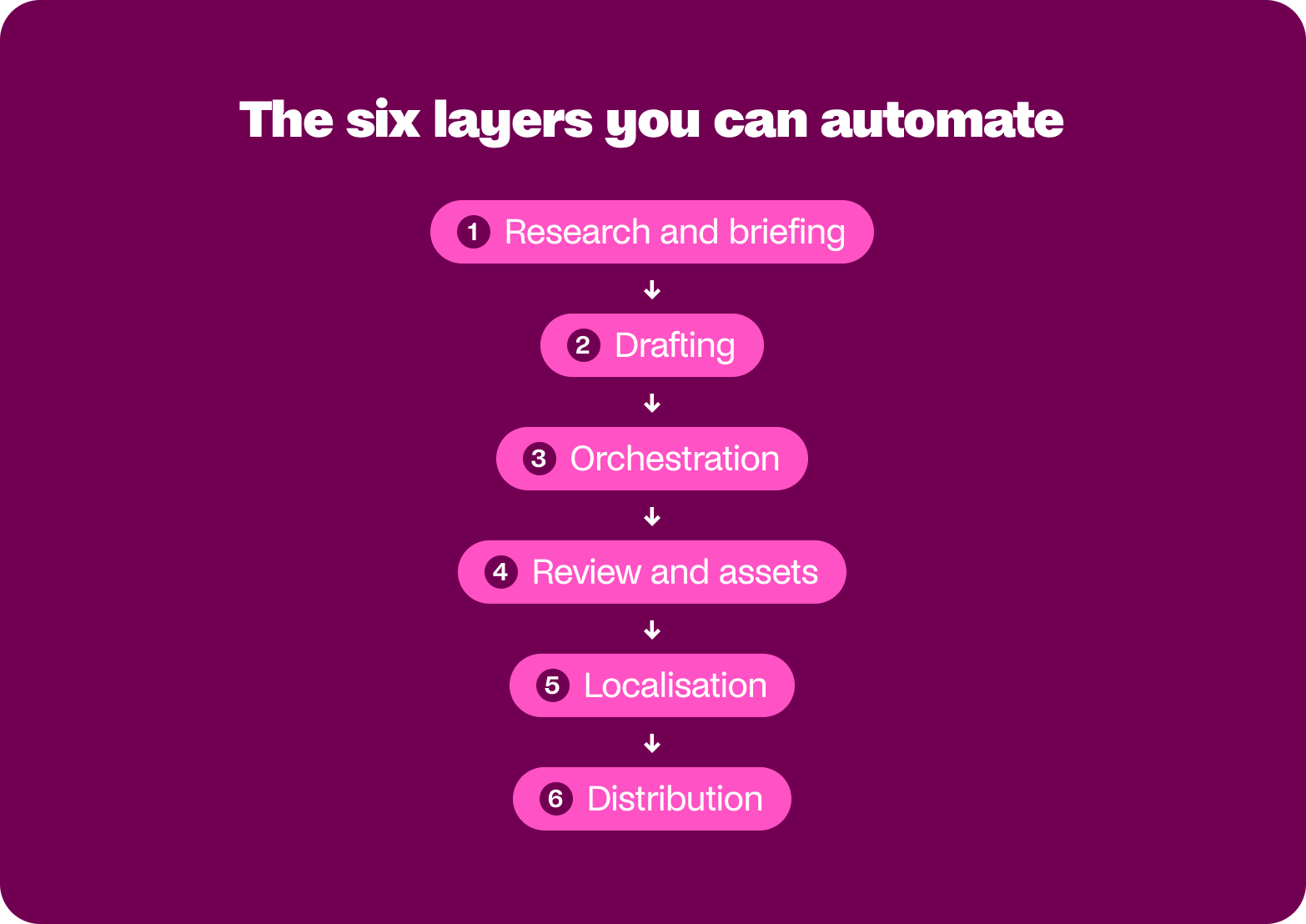
The six layers you can automate
Every tool on this list works on one or two of these layers:
- Research and briefing, from keyword data and audience context to the brief a writer receives.
- Drafting, including first drafts, variants and repurposed formats inside brand rules.
- Orchestration, which moves work between tools, people and AI steps without anyone copying and pasting.
- Review and assets, covering approval routing, version tracking and keeping approved assets current.
- Localisation, from translation memory and machine translation to market-specific adaptation.
- Distribution, which publishes, schedules and gets content in front of the right audience.
The layers explain why a single purchase rarely changes the whole operation. A drafting tool can make the second step faster and leave the review queue in the fourth exactly as long as it was.
What should stay human
The useful split runs between objective checks and judgement calls. A system can confirm that a draft uses the current product name, send a pricing claim to finance and log who approved which version. Whether the angle is worth publishing, whether a claim holds up and whether the voice lands in Portuguese are decisions for a named person. Automate the objective checks so people can spend their time on the judgement calls.
The Rant Report suggests teams are already drawing that line. Ninety-five per cent always or usually have a person review a piece before it goes live, and the top AI use case is content briefs (46%), while only 21% use AI for drafting. Together, the two findings describe teams moving AI upstream, into the thinking that happens before writing starts, while keeping a human hand on what gets published. Simone Engbo Hansen, Content & Communications Lead at Airtame, described the relationship in an interview for the report: "Working with an LLM is like working with a team of juniors. You are in charge of the brief."
That is also why Contentoo has argued that AI performs best inside a structured workflow: the model can only work with the context and the checks the workflow gives it.
What enterprise teams need from a content automation platform
By the third demo, the feature lists start to blur. The questions that separate one platform from another come from the people who will live with the result. Will it still sound like us across 12 markets? Who checks it before legal sees it? Does it plug into what we already run? And who owns it once the implementation team has moved on?
Brand consistency across markets and teams
A platform should carry your brand context into the step where content gets made: approved messaging, current assets, tone of voice and the terms you've retired. Checks that run after drafting catch problems late, when fixing them costs a full review round. Ask how the platform stores that context, who can update it and whether a change reaches every market at once. Contentoo's guide to training AI on your brand voice covers what that context needs to include.
Governance: who checks it, and who can block what
Review is where enterprise content slows down, and often where it loses its edge. Simone Engbo Hansen of Airtame described what that feels like from the inside: "I tried having things sign off before going live. Someone had to sign off, then it had to go to the board, and the diluted version came through the manager three months later... That's where a content angel loses her wings." The Rant Report puts too many stakeholders diluting the message among the top three quality killers, cited by 40% of teams.
A platform can send a draft to the right reviewer. Deciding what each reviewer has authority over is the team's job, and it works best when that authority is scoped by domain: legal can block a compliance claim and leave the introduction alone, while a subject-matter expert can block on accuracy and advise on structure. Look for a platform that lets you encode those scopes, logs every decision and shows where pieces are waiting.
Fit with the stack you already run
Enterprise teams rarely start from scratch. The CMS, digital asset library, project management tool, and chat channel where approvals get chased are already in place, and a platform that asks you to replace them will meet resistance long before procurement does. Ask which integrations exist today and which sit on a roadmap. Ask, too, what the vendor can document on security, data residency and access controls, because your procurement team will.
Ownership after launch
Automation needs an owner long after launch day. Prompts drift, brand rules change, and a new market adds a step, and a workflow nobody maintains degrades without anyone noticing. Make workflow ownership an explicit, resourced responsibility, whoever holds it: a content operations lead, a marketer who builds workflows or an external partner. Before you sign, agree who owns each automation and how much of their week it gets.
The pattern shows up in user reviews too. Learning curve is the most-cited drawback on G2 for several platforms on this list, including Workfront, AirOps, Writer and Optimizely CMP. A tool that takes time to learn needs someone with time to learn it.
One note before the list: Contentoo appears on it, and it's ours. Every entry is assessed on the same five points: what's included, enterprise controls, integration requirements, implementation effort and ongoing ownership. Each one then gives its G2 rating, a watch-out specific to that product, and pricing.
Ratings and review themes for nine of the ten tools come from G2, as of October 2026. They show what users report in their day-to-day work, which makes them useful evidence of where each tool causes friction, though they aren't a controlled comparison and the figures move as new reviews arrive.
The 10 best content automation platforms and tools for enterprise teams
The list follows the six layers. Contentoo comes first because it runs the workflow the other nine can plug into; the rest run from production through to distribution. Where a vendor sells a suite, the entry names the product you would buy and says what sits in separate products.
1. Contentoo: best content automation for complex, multi-market workflows
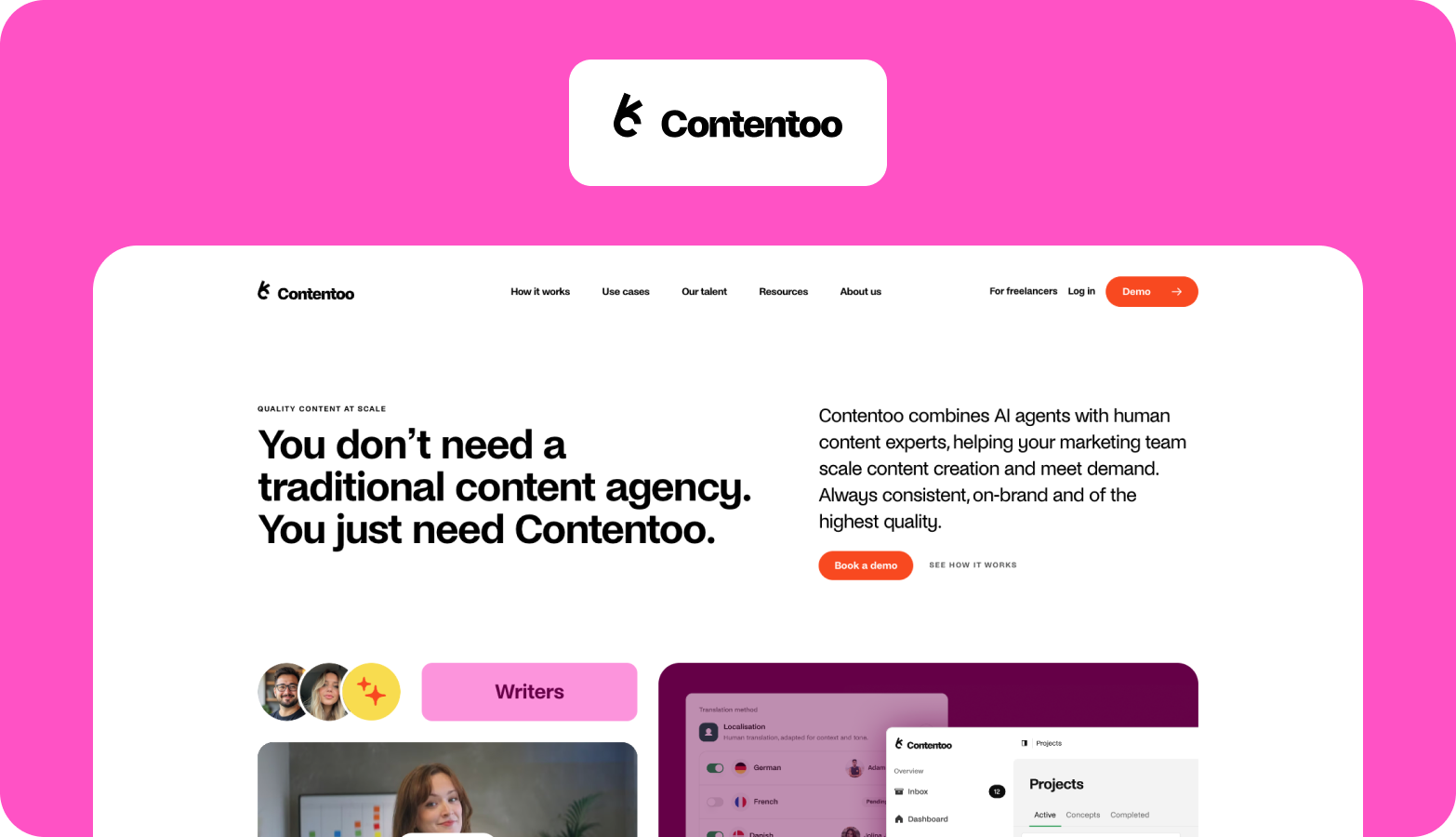
When content crosses markets, teams and partners, the cost hides in the handoffs. Briefs get rewritten for each market, freelancers get onboarded again for each campaign, and reviews get chased across three tools.
Contentoo runs a managed content workflow for enterprise teams whose content crosses markets, teams and partners. Briefing, creation, expert review, localisation and finished-content delivery run as one managed process, with a vetted expert team and AI agents working inside it. Brand context such as briefs, tone of voice and approved assets is kept on file and improved through human-reviewed updates, so each new market or campaign starts from what has already been agreed.
One global e-commerce platform brought Contentoo in when its international markets lagged behind its English content. The work started in established markets such as France, Spain, Italy, China and Brazil, then expanded to 18 international markets. See how Contentoo runs content for enterprise teams and manages complexity across teams, markets and tools.
Enterprise controls: experts review and refine the work at checkpoints agreed with your team, and brand-critical sign-off stays with your approvers.
Integrations: Contentoo's pricing page lists syncs with project tools such as Trello, Asana and Monday; confirm how finished content reaches your CMS during scoping.
Implementation: Contentoo sets up the workflow and the brand context with your team, and many clients start with one content type or market before expanding.
Ongoing ownership: Contentoo maintains the workflow and its brand context; your team owns strategy, internal approvals and access to subject-matter experts.
On G2: Contentoo rates 4.5 out of 5, most of them from mid-market companies. Reviewers score its support 9.3 out of 10 and its ease of use 9.2, and G2's review summary highlights time saved on localisation and a responsive support team.
Watch out for: Contentoo's value grows with the number of handoffs in your process. A small team producing simple content in one market will get limited value from it.
Pricing: Custom, based on your project needs.
2. Adobe Workfront: best for creative and marketing work management on Adobe
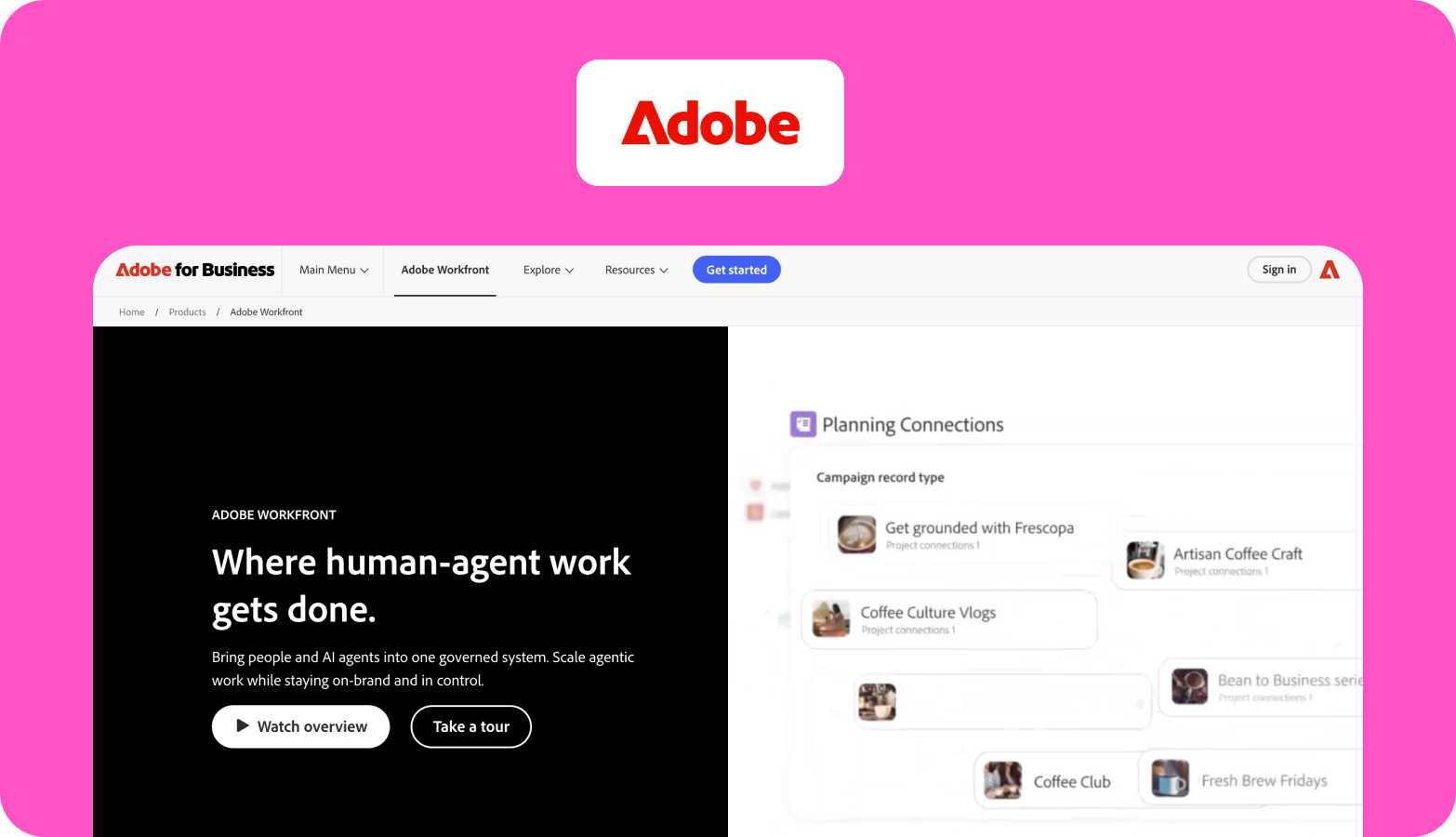
Global brands running hundreds of creative requests a month lose hours to intake, versioning and approvals. Workfront is Adobe's work management product, covering request intake, planning, task workflows, and review and approval, sold in three packages: Select, Prime and Ultimate. Adobe's wider content automation offer adds Experience Manager Assets for digital asset management and GenStudio for generative, on-brand variations, and both are separate products licensed on their own.
Enterprise controls: Prime and Ultimate include Adobe's full set of enterprise administration, security and compliance features; Select includes some of them.
Integrations: strongest alongside Creative Cloud and Adobe Experience Cloud. Workfront Fusion, Adobe's integration and automation layer, is included in Ultimate and sold as an add-on for Select and Prime.
Implementation: usually a project in its own right, often with an implementation partner.
Ongoing ownership: plan for a Workfront administrator on your side to maintain request forms, workflows and permissions.
On G2: Workfront holds 4.1 out of 5 from more than 1,100 reviews, about half of them from enterprise companies. The learning curve is its most-cited drawback, and reviewers score ease of setup at around 7 out of 10.
Watch out for: a full content supply chain means quoting Workfront, Experience Manager Assets and GenStudio separately, so ask for each product as its own line item.
Pricing: custom pricing for each Workfront package through Adobe's sales team.
3. WRITER: best for AI generation grounded in company knowledge
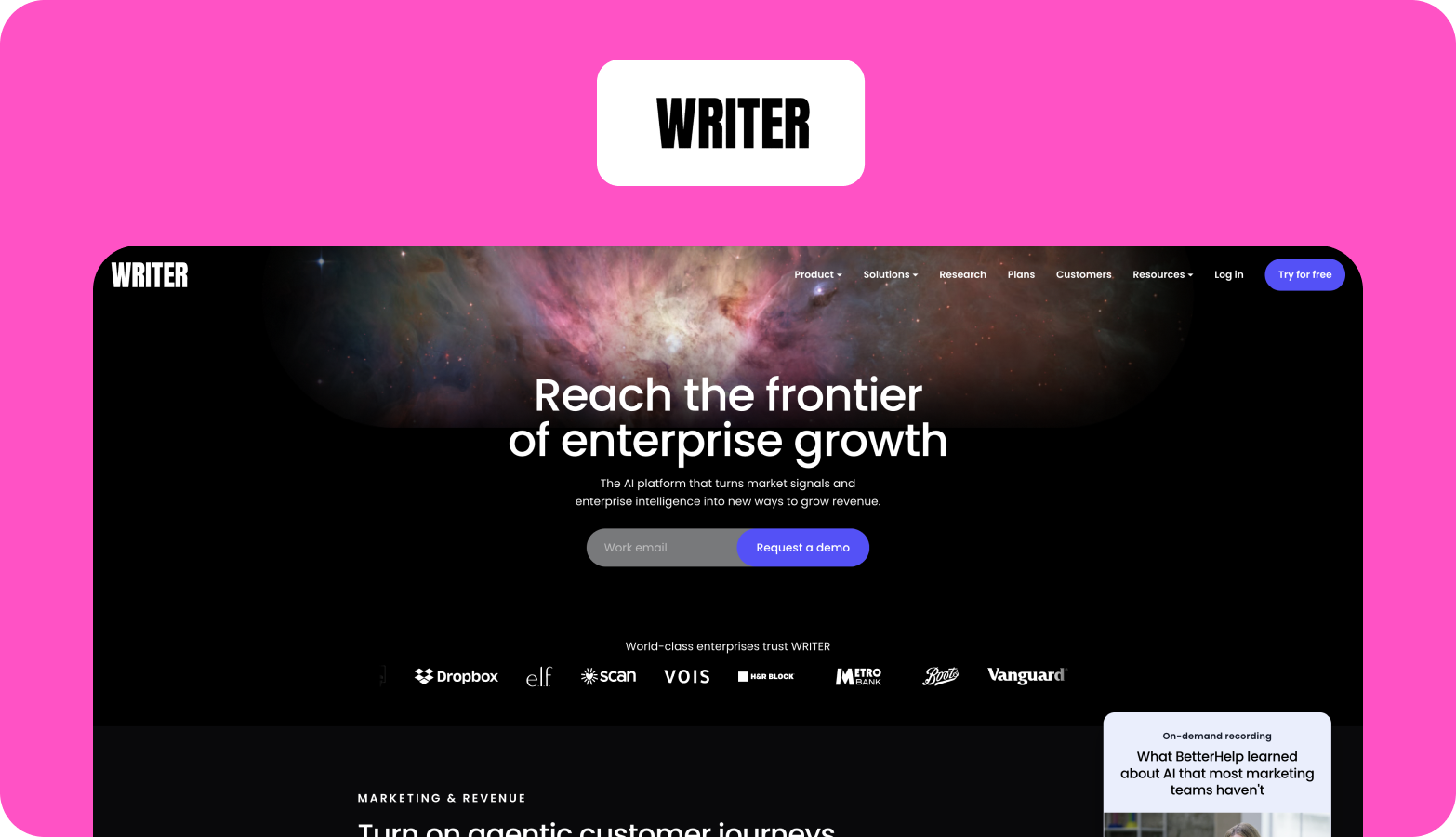
Generic AI output tends to miss product facts and house style, and someone has to fix both before anything ships. WRITER is an enterprise generative AI platform that grounds its output in a company's own knowledge, style guide and approved terminology, with admin controls over who can use what.
Enterprise controls: admin controls over who can use which tools, with HIPAA and SOC 2 Type II reports available on Enterprise plans.
Integrations: connectors and a Knowledge Graph bring company documents into generation, with fuller connector access on Enterprise.
Implementation: Starter is self-serve for small teams; Enterprise comes with a dedicated implementation team.
Ongoing ownership: someone has to keep the style guide, terminology and knowledge sources current, because output quality depends on them.
On G2: WRITER rates 4.4 out of 5. Reviewers single out brand consistency and control as its strength, and learning curve is among the most-cited drawbacks.
Watch out for: Starter is capped at a small team, so the governance and security features an enterprise needs sit behind a sales conversation.
Pricing: Starter costs $29 per user per month billed annually ($39 monthly); Enterprise is priced through sales.
4. Jasper: best for on-brand campaign copy at volume
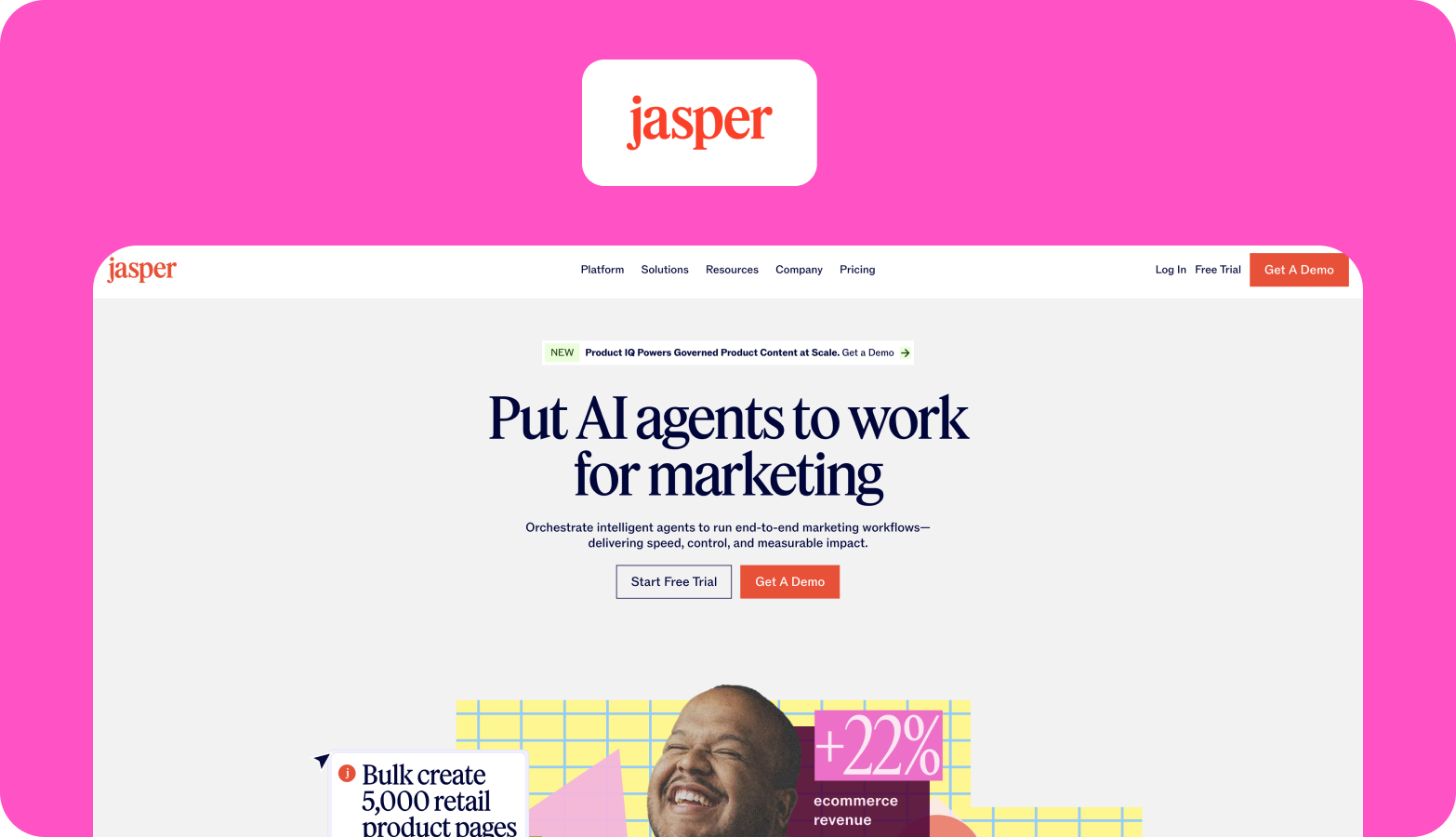
Campaign variations across channels, segments and formats eat writer time that would be better spent on the core idea. Jasper is an AI platform built for marketing teams, with brand voice and knowledge settings, campaign workflows and apps for common marketing formats.
Enterprise controls: Business adds unlimited Brand Voices and knowledge assets and enterprise customisation; Pro limits both.
Integrations: API access comes with Business, so check which connections your plan includes.
Implementation: Pro is self-serve; Business is set up through Jasper's sales team.
Ongoing ownership: one person needs to own the Brand Voice and knowledge settings, because they shape every output.
On G2: Jasper rates 4.7 out of 5 from more than 1,200 reviews, and more than nine in ten of them come from small businesses. Reviewers praise the time it saves, and the most common drawbacks they mention are AI limitations and cost. For an enterprise buyer, that skew matters: the reviews describe smaller teams far more often than multi-market operations.
Watch out for: Pro's limits on Brand Voices and knowledge assets push multi-brand teams onto Business.
Pricing: Pro costs $59 per seat per month billed annually ($69 monthly); Business is priced through sales.
5. AirOps: best for building repeatable AI content workflows
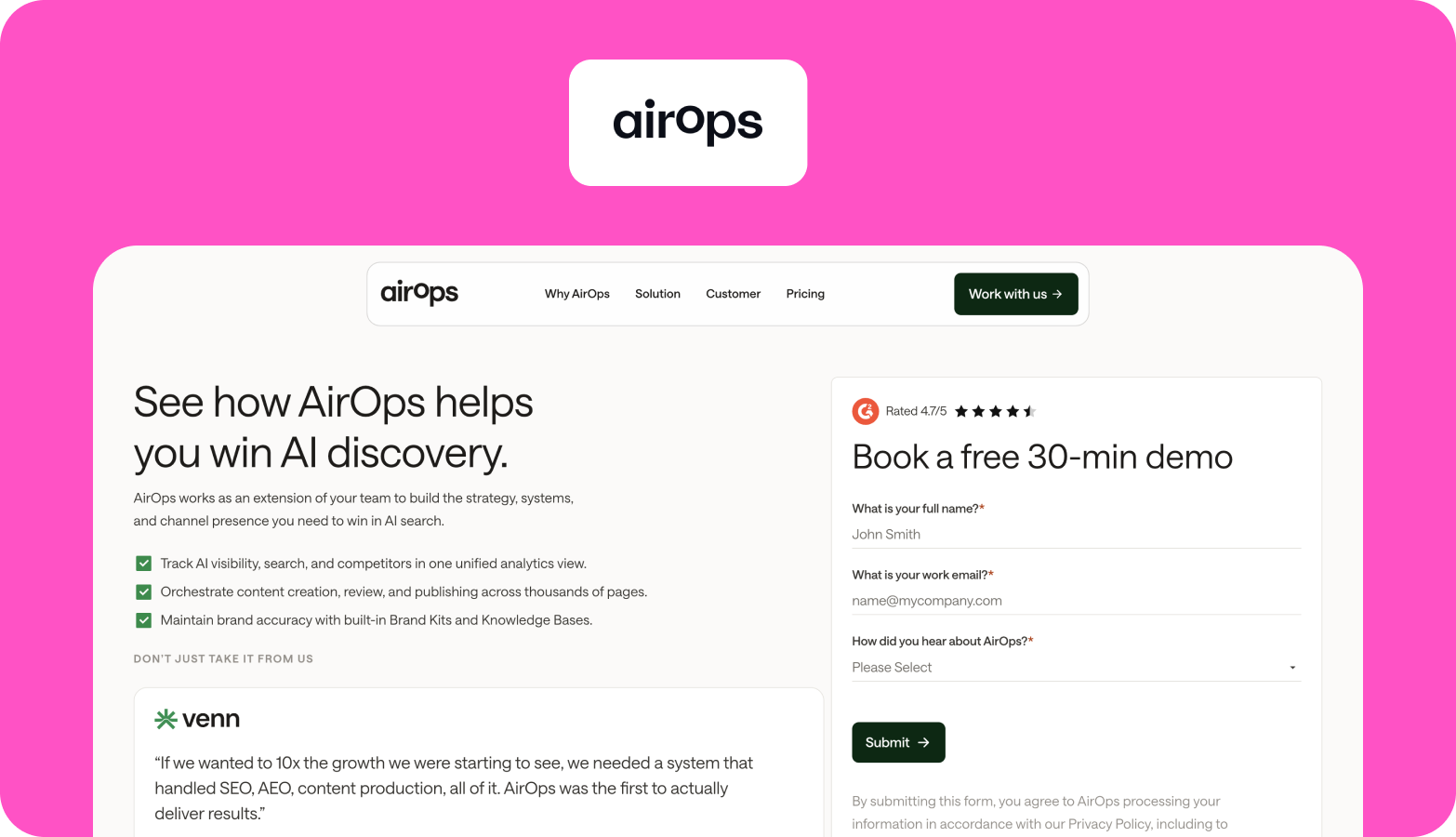
Teams that use AI prompt by prompt get results that vary with whoever wrote the prompt. AirOps lets content and SEO teams build multi-step AI workflows that connect models, search data and the CMS, for jobs such as briefs at scale and content refreshes. Bojana Vojnović, Head of Content at HeyReach, described the problem this kind of tool aims to solve in an interview with The Rant Report: "Everything is connected, but nothing's connected."
Enterprise controls: Enterprise includes data export through CSV and API; ask which roles, permissions and review steps your plan covers.
Integrations: workflows connect AI models, search data and your CMS.
Implementation: expect to build and test each workflow before it runs at volume, either in-house or with a partner.
Ongoing ownership: workflows need a named owner to keep prompts, steps and connections current.
On G2: AirOps rates 4.7 out of 5 from around 130 reviews, and learning curve is the most-cited drawback.
Watch out for: usage is metered in tasks, so cost depends on how many steps each workflow runs. Model your heaviest workflow before you sign.
Pricing: Solo and Pro plans can be started for free from the AirOps site, with task limits per plan; Enterprise is priced through sales.
6. Contently: best for a content marketing platform paired with a freelance network
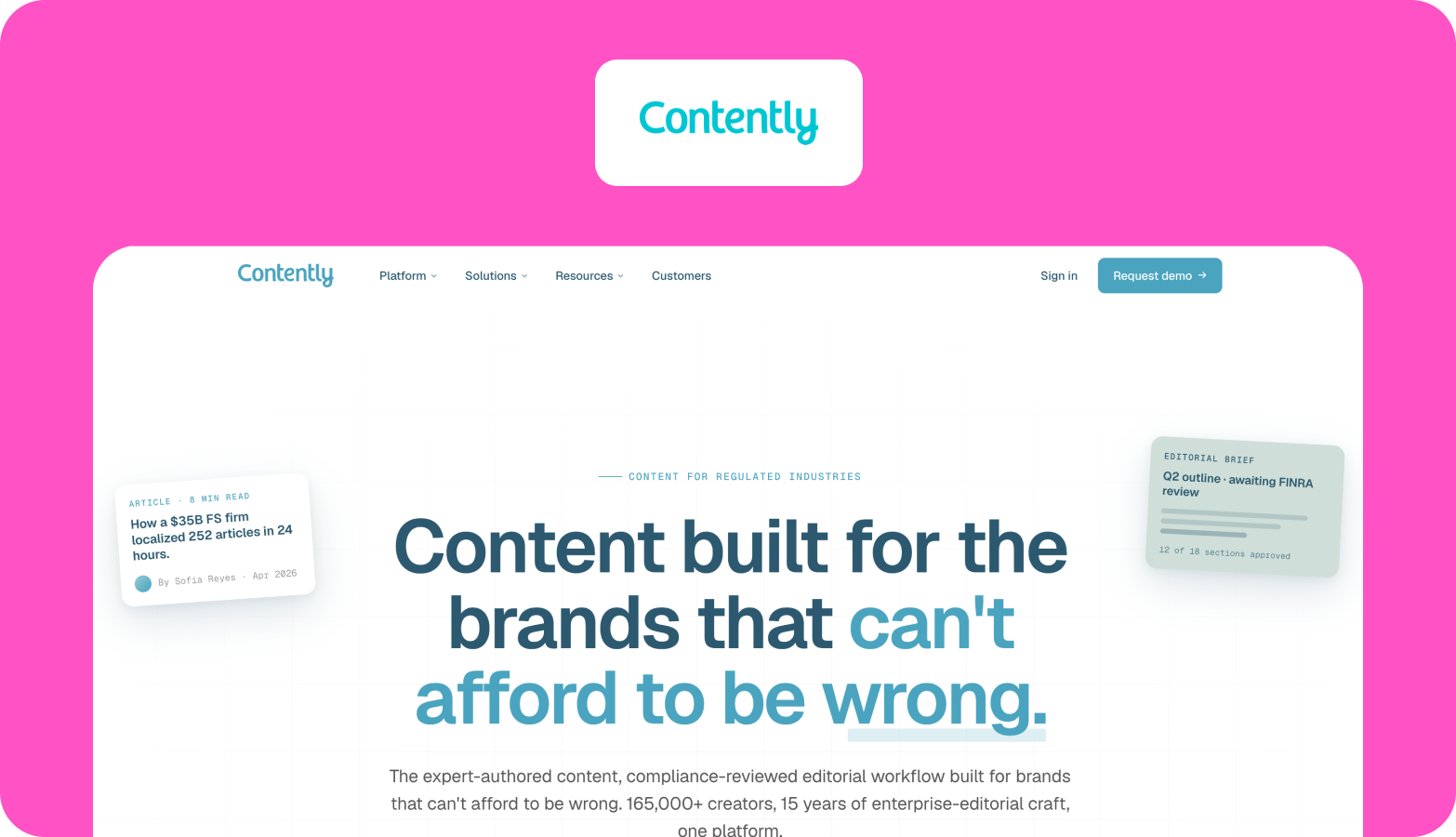
Some enterprise brands want planning, production and a bench of freelance creatives under one contract. Contently combines a content marketing platform for planning, workflow and analytics with a network of freelance creatives and managed services.
Enterprise controls: multi-stage approvals, style guide enforcement, and plagiarism and SEO checks run inside the platform.
Integrations: planning, workflow and analytics sit in Contently's own platform, so check how it connects to your CMS.
Implementation: sold as a partnership contract, with managed editorial services scoped as a separate layer.
Ongoing ownership: on a platform-led setup, your team writes briefs, picks freelancers from Contently's recommendations and runs review rounds; managing editors can take that on as a service.
On G2: Contently rates 4.6 out of 5, with enterprise as its largest reviewer segment. G2's review summary points to higher cost, analytics that can be confusing and an occasional disconnect between briefs and writers.
Watch out for: check how multi-market and localised content fits the model before you commit. Our comparison of Contently alternatives sets out where other options differ.
Pricing: custom pricing through sales.
7. Optimizely Content Marketing Platform: best for enterprise planning and approval routing
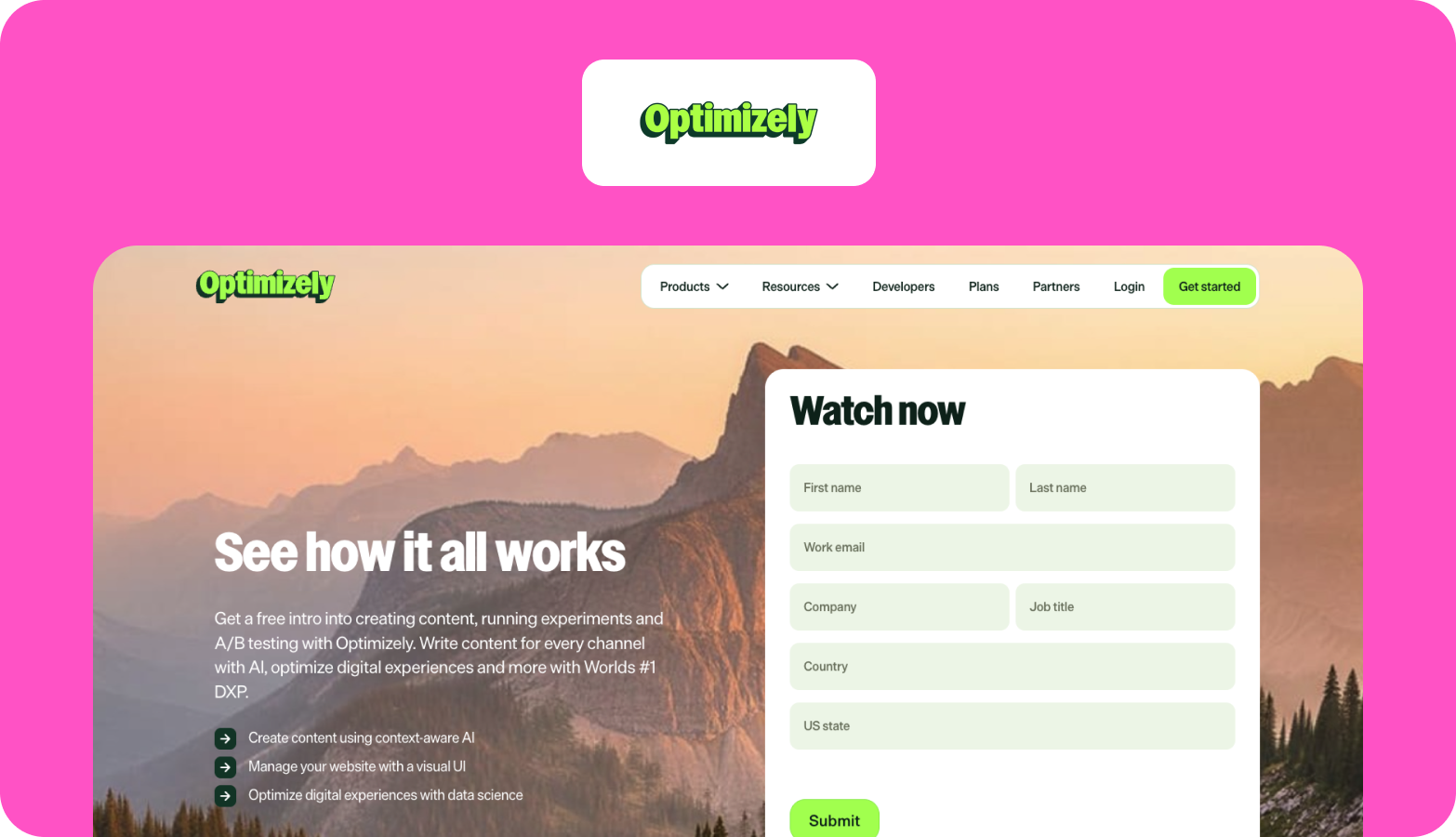
Requests arrive from every team, the calendar lives in a spreadsheet, and nobody can say what's in review this week. Optimizely Content Marketing Platform (CMP) brings planning, briefs, task workflows, approvals and an asset library into one place, with Optimizely's Opal AI built in. It is one product in Optimizely's suite; the CMS and experimentation tools are sold separately.
Enterprise controls: configurable approval workflows and an integrated asset library.
Integrations: Opal works most completely with Optimizely's own CMS; check your CMS and asset library against Optimizely's integrations if you run something else.
Implementation: expect configuration work to map your workflows and approval steps.
Ongoing ownership: someone needs to maintain workflow templates and approval routing as teams and content types change.
On G2: Optimizely Content Marketing Platform rates 4.3 out of 5 from 81 reviews, with enterprise companies writing about half of them. Reviewers praise team collaboration and workflow management, and learning curve is among the most-cited drawbacks.
Watch out for: teams on another CMS get less of the Opal AI layer, so the strongest case is for organisations already running Optimizely.
Pricing: custom pricing through sales.
8. Smartling: best for automating translation management
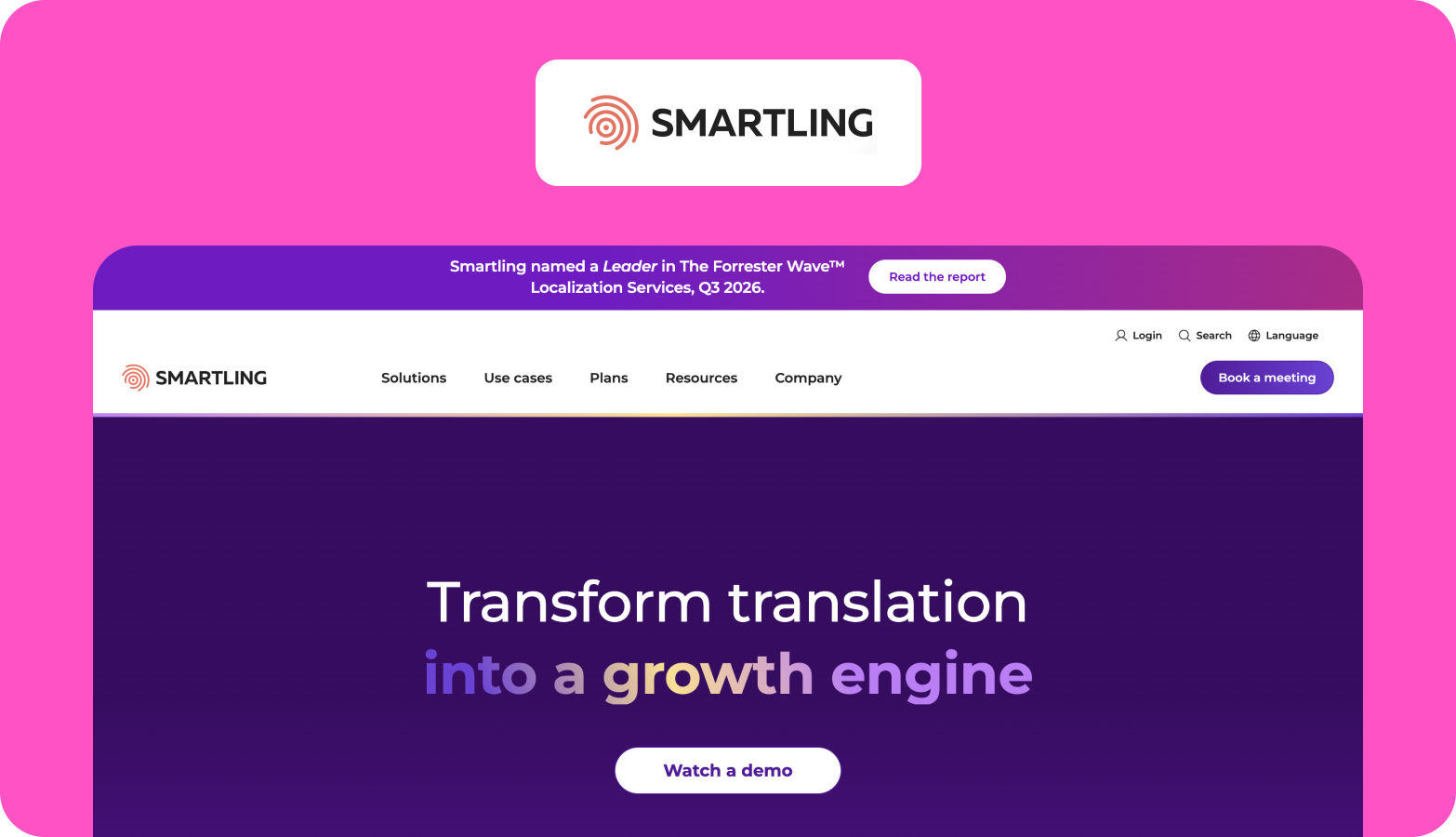
Translation volume across many languages strains consistency, and file handling between systems eats project managers' time. Smartling is a translation management system with translation memory, glossaries, machine and AI translation, and connectors to common CMSs and code repositories.
Enterprise controls: workflows, glossaries and translation memory keep terminology consistent across languages.
Integrations: connectors for common CMSs and code repositories.
Implementation: connectors, glossaries and a workflow need setting up for each content type.
Ongoing ownership: glossaries and translation memory need maintaining, because translation quality depends on them.
On G2: Smartling rates 4.4 out of 5 from 709 reviews. Reviewers praise its ease of use, workflow management and support, while translation issues are the most-cited drawback, raised in 68 reviews. That pattern is a good argument for keeping native review inside the workflow for anything customer-facing.
Watch out for: Smartling manages the language layer. Transcreation, local search research and native review of marketing copy need their own place in the workflow, and our Smartling vs Contentoo comparison looks at how the two approaches divide the work.
Pricing: custom pricing through sales.
9. HubSpot Content Hub: best for publishing and distribution on HubSpot

Finished content often stalls between the CMS and the audience it was written for. The Rant Report found better distribution is the top thing content teams want, cited by 52%. HubSpot Content Hub covers the CMS, AI-assisted content creation and repurposing, and a content library. Email, social scheduling and CRM-linked automation sit in Marketing Hub, a separate product with its own pricing, so distribution beyond the website usually means buying both.
Enterprise controls: Content Hub Enterprise adds sandboxes for testing changes, content partitioning by brand or team, and advanced role-based permissions.
Integrations: connects natively to the HubSpot CRM, and works best when HubSpot is also your CRM.
Implementation: Professional and Enterprise come with a mandatory one-time onboarding.
Ongoing ownership: someone needs to own templates, permissions and content partitions as brands and markets are added.
On G2: HubSpot Content Hub rates 4.5 out of 5 from around 2,000 reviews, about half of them from small businesses. Reviewers like its ease of use and all-in-one setup, while the most-cited drawback is limited customisation.
Watch out for: multi-brand governance sits in the Enterprise tier, and email or social distribution needs Marketing Hub on top. For the pitfalls on that side of the stack, see Contentoo's guide to common content marketing automation mistakes.
Pricing: Content Hub Starter costs €9 per seat per month billed annually; Professional starts at €441 a month with three seats, and Enterprise at €1,470 a month with five.
10. Copy.ai (Fullcast): best for go-to-market content workflows
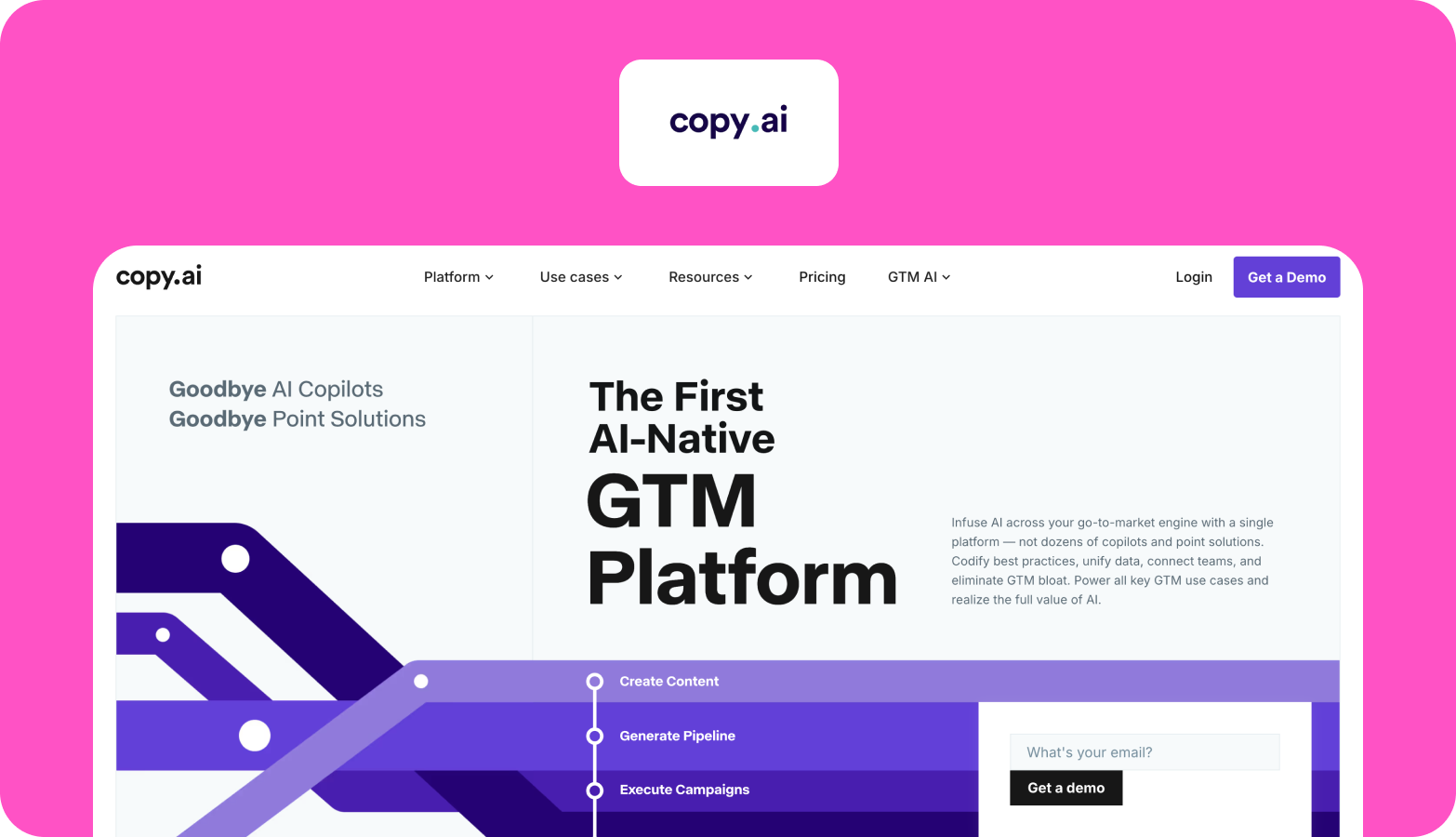
Sales and marketing teams need a steady supply of prospecting emails, account research and campaign assets, often faster than the content team can brief them. Copy.ai is a go-to-market AI platform with workflows and agents for prospecting, content creation and repurposing. Fullcast acquired it in October 2025, and it now sits inside Fullcast's revenue operations platform as Fullcast Propel, powered by Copy.ai.
Enterprise controls: Brand Voice and Infobase settings keep output consistent; ask what admin and governance controls the enterprise plan adds.
Integrations: Copy.ai advertises connections to more than 2,000 tools.
Implementation: self-serve plans start quickly; agent workflows take longer to build and test.
Ongoing ownership: messaging owners approve templates and core claims, and reps or marketers review what goes out under their name.
Worth knowing: since the acquisition, the product roadmap is tied to Fullcast's revenue operations suite, so ask about roadmap and contract terms during evaluation.
Watch out for: its focus has moved towards sales and revenue workflows, so check how well it suits long-form editorial content before you expand its use beyond sales and campaign copy.
Pricing: self-serve plans, with enterprise pricing through sales.
How to choose a content automation platform
Start with the layer where your content stalls, then shortlist the tools built for it. Most enterprise teams end up with more than one.
When intake and approvals are the bottleneck
Shortlist Adobe Workfront if your creative work already runs on Adobe, and Optimizely Content Marketing Platform if your web stack runs on Optimizely. Both route work to reviewers, so agree who can approve or block each type of content before configuration starts.
When you need on-brand drafts at volume
WRITER suits teams that want generation grounded in company knowledge, with security reviews available on Enterprise. Jasper suits marketing teams that want campaign copy with brand voice settings, and Copy.ai suits sales and go-to-market teams. AirOps suits SEO and content teams that want to build their own multi-step workflows and can staff someone to maintain them.
When translation volume is the bottleneck
Smartling handles translation management across many languages. For marketing content, plan where transcreation and native review sit; Contentoo's multilingual content workflow framework sets out the steps.
When distribution is the bottleneck
HubSpot Content Hub suits teams already running HubSpot's CRM, with Marketing Hub added for email and social distribution.
When the work between the tools is the bottleneck
If the cost sits in the handoffs between markets, teams and partners, another licence tends to move the wait to the next step. Poor or incomplete briefs are the top-cited quality killer in The Rant Report, at 56%, and a broken process run by AI breaks faster; Contentoo's breakdown of enterprise content workflow mistakes shows where handoffs tend to fail. This is where managed delivery through Contentoo makes more sense than another tool: Contentoo runs briefing, creation, expert review and localisation across markets, and the market expansion use case shows how each new market reuses the brand context already in place.
Which brings us back to the launch page from the opening. The real test of any content automation platform is whether that draft still sits in an inbox for a week, or whether the week goes back to the people who make the content.
If your content crosses markets, teams and approvers, book a demo with Contentoo to see how Contentoo would run that workflow.
FAQs
What is a content automation platform?
A content automation platform is software that takes over repeatable parts of content work, such as research, briefing, drafting, approval routing, translation or publishing. Each platform tends to specialise in one or two of those layers, so enterprise teams usually combine several and need a clear owner for the workflow that connects them.
What's the best automated content brief software for agencies?
The best automated content brief software for an agency depends on where its briefs fall short. Surfer automates the search data, CrawlQ focuses on audience research, and AirOps lets agencies build their own multi-step briefing workflows. Briefs are already the top AI use case in The Rant Report, at 46%, so a sensible first step is agreeing what every brief must contain before automating how it gets filled.
What's the difference between content automation tools and content marketing automation software?
Content automation tools work on how content gets made, checked and published. Content marketing automation software works on how finished content reaches people, through email, social scheduling, nurture sequences and CRM triggers. Many enterprise stacks use both, with the content workflow feeding the distribution layer.
How do enterprise teams keep AI-generated content compliant?
Enterprise teams keep AI-generated content compliant by sending it through the same review gates as any other draft, with legal and subject-matter reviewers scoped to the claims they own. A logged record of which version was approved, by whom and which tools contributed lets the team show compliance later without rebuilding the history from email threads.
Can content automation software replace a content team?
No, content automation software takes over repeatable tasks and leaves the decisions with the content team. It can handle research, routing, formatting and first drafts, while people keep the calls on angle, accuracy, voice and when a rule should bend.
How much do enterprise content automation platforms cost?
Enterprise content automation platforms are usually priced through sales, based on seats, usage, content volume or the number of languages and markets. Several tools on this list, including Jasper, Copy.ai and HubSpot, also publish self-serve plans for smaller teams. Implementation and ongoing ownership belong in the budget too, since those costs sit outside the licence.
Is Contentoo a content automation platform?
Contentoo is a managed content workflow for enterprise teams: it runs briefing, creation, expert review, localisation and finished-content delivery as one structured process, with a vetted expert team and AI agents working inside it. Teams keep the tools they already use, and those tools plug into the steps of that workflow.




.webp)