The 10 best content production management software tools for marketing teams in 2026


TL;DR
This guide reviews the 10 best content production management software tools for marketing teams running high-volume, multi-language content operations. We evaluated each platform across five criteria: end-to-end workflow coverage, multi-language support, quality control, integration depth, and human expertise. If you need the best software to manage content production workflows across markets, formats, and stakeholders, Contentoo leads the list as the top pick for teams that need structured content production at scale, not just another project board.
Your content calendar says 47 pieces of content this quarter. Your team says, "Sure, no problem." Then reality sinks in: briefs live in Google Docs, feedback loops bounce between Slack threads and email, three regional teams wait on translations nobody assigned, and your brand guidelines sit in a PDF that is hardly referenced. By week four, deadlines slip, quality drops, and the CMO asks why the German landing page reads like it was run through a free translation tool.
No amount of hiring can fix a workflow that runs on spreadsheets and good intentions. What you need is a content production tool that brings together briefing, creation, review, approval, and publishing into one place.
That is what content production software does at its core. It is the operating layer between your content strategy and your published output. It is not a CMS (which handles publishing), and it is not a generic project management board (which tracks tasks but ignores the nuances of content workflows like approvals, versioning, and brand consistency checks).
We reviewed 10 platforms for marketing teams managing content across multiple channels, formats, and markets. Each entry includes strengths, limitations grounded in verified G2 reviews, and enterprise pricing.
What actually matters in content production management software
Not every content production management tool solves the same problem, and the wrong choice can cost you and your team months of rework. Here are the five criteria we used to evaluate every platform on this list. For a deeper breakdown of platform selection, the guide on the 6 things to consider before choosing a content creation platform covers the strategic side:
- End-to-end workflow coverage. Does the tool handle the full content creation process, from briefing and assignment through creation, review, approval, and final publishing? Or does it only cover a slice, forcing you to stitch together other apps for the rest? The best content production software manages the entire lifecycle in one system. Anything less creates handoff gaps where content stalls or quality drops.
- Multi-language and multi-market support. Can you localise content, manage regional variants, and scale across markets without bolting on third-party apps? For teams publishing across multiple websites and regions, native localisation support is the difference between a structured content workflow and a spreadsheet nightmare.
- Quality control and approval workflows. Does the platform enforce a structured approval process, version control, and brand guidelines checks before content goes live? Content teams managing blog posts, marketing materials, and digital content across multiple projects need customizable workflows that catch errors before publication, not after.
- Integration with existing tools. Does the content workflow software connect to your CMS, project management stack, analytics tools, and Google Workspace without heavy IT involvement? A content production management tool that forces you to abandon existing tools like Google Docs, Google Analytics, and collaboration tools like Slack creates more friction than it solves.
- Content expertise and human support. Does the platform come with access to vetted talent, editorial oversight, or dedicated account management? Or is it software-only? For marketing departments running at scale, the gap between "we have a tool" and "we have a system that works" often comes down to human support.
TLDR: Look for end-to-end workflow coverage, native multi-language support, built-in quality control, deep integrations, and access to human expertise. A tool that only covers two or three of these will leave gaps your team has to fill manually.
How these content production management tools compare
Here is how all 10 platforms stack up across the five evaluation criteria. Consider using this table to narrow your shortlist before diving into our detailed entries below. Each content production tool handles a different slice of the workflow, so match the columns to your team’s priorities.
The 10 best content production management software tools for 2026
Each entry below covers who the tool is built for, where it excels, where it falls short (grounded in verified G2 reviews), and enterprise pricing.
1. Contentoo: best content production management software for multi-language, high-volume content operations
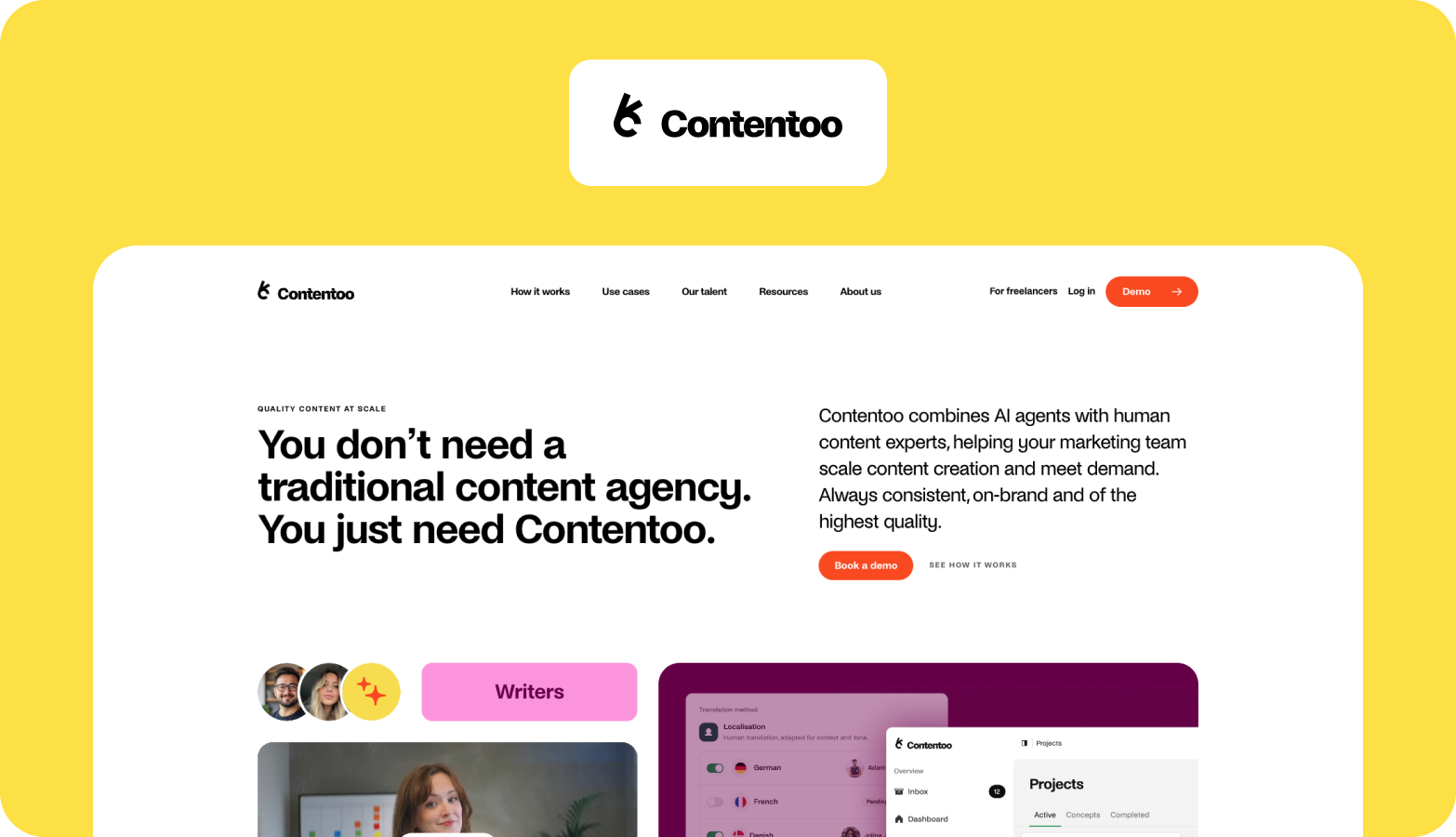
Who it is for: Mid-market and enterprise B2B teams managing multi-language, multi-format content production across regions and channels.
Contentoo is a structured, repeatable content production system that covers the full lifecycle from ideation through publication and monitoring. Think of it as a single operating system for managing complexity across your content operations: briefing, assigning, creating, reviewing, approving, and publishing content all happen in one platform.
What distinguishes Contentoo from general-purpose project management tools is the combination of workflow orchestration and integrated content expertise. The platform pairs an AI-powered workflow engine with a vetted network of specialists matched by industry and language. Each content production template, brief, and approval step runs through built-in quality-control and brand-consistency checks, ensuring your marketing team maintains a consistent tone across every market. For teams building scalable B2B workflows, this guide to B2B content marketing workflows outlines the process behind it.
The multi-language angle is where Contentoo pulls ahead. With support in 49+ languages and bridging experts and AI-optimised workflows, your content feels native. Companies like Meister, a SaaS company, scaled their content production without adding headcount using Contentoo's workflow platform. The platform also integrates with project management tools such as Asana, Trello, Notion, Monday, Jira, and HubSpot, so your team can continue using its existing tech stack while Contentoo fills workflow gaps.
Strengths
- Covers the full content lifecycle from brief to publication in one platform, eliminating handoff gaps between tools and teams.
- Supports 49+ languages with native-speaking freelancers matched by industry, so localised content reads like it was written locally.
- Vetted top-3% freelancer network matched by niche, eliminating the time your team spends sourcing and vetting talent.
- Each client gets a dedicated Customer Success Manager who handles project coordination, proofreading, and workflow optimisation.
- Built-in quality control and brand consistency checks run on every piece of content before it reaches your approval queue.
Limitations
- Not a DIY self-serve tool for solo operators or one-person teams who want to log in and start writing themselves.
- Best suited for teams with ongoing content needs rather than one-off projects, since the platform is designed for repeatable, structured workflows.
- Platform features focus on B2B content production and marketing materials, making it less suited for consumer social-only workflows.
Enterprise pricing: Custom pricing based on content volume, languages, and scope. Book a demo for a tailored quote.
2. Monday.com: best for customisable content workflow automation
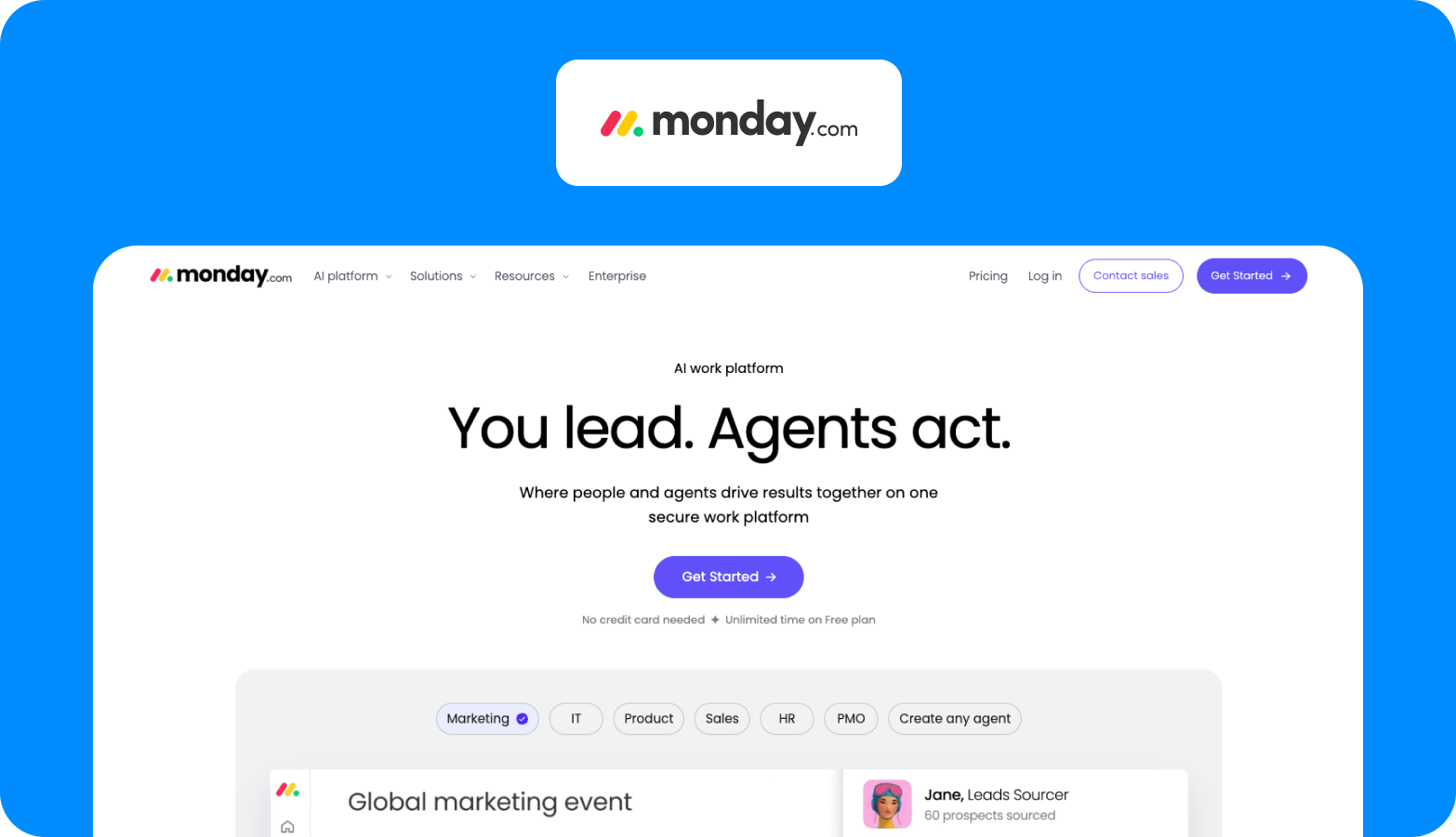
Who it is for: Marketing teams and project managers who want a highly customisable content production storyboard tool they can shape to fit any workflow.
Monday.com gives you a blank canvas for workflow management. You can build content calendars, editorial workflows, and campaign trackers using boards, automations, and integrations. The platform enables users to assign tasks, set deadlines, and track progress across multiple projects with visual dashboards that give real-time collaboration a practical shape. Where Monday.com shines is automation: triggers that move content through approval stages, notify reviewers, and update statuses without manual intervention. It connects with 200+ other apps, including Slack, Google Workspace, and HubSpot, so it fits into most existing stacks.
Strengths
- Highly customisable boards and automations let you design workflows that match how your team actually works.
- Visual dashboards give project managers and content teams clear visibility across multiple projects and deadlines.
- 200+ integrations connect Monday.com to your CMS, analytics tools, and collaboration stack.
Limitations
- Per-seat pricing grows expensive at scale, especially when many stakeholders need access. Users frequently report that enterprise-tier features like advanced permissions are locked behind premium plans.
- No native multi-language or localisation workflow, forcing multi-market content teams to manage translations manually or through separate tools.
- Requires significant upfront configuration to build content-specific workflows, and users note that "the initial setup can be time-consuming and may require ongoing adjustments as needs evolve."
Enterprise pricing: Enterprise tier with custom pricing, per seat/month. Contact sales for a quote.
3. Asana: best for campaign task management and team collaboration
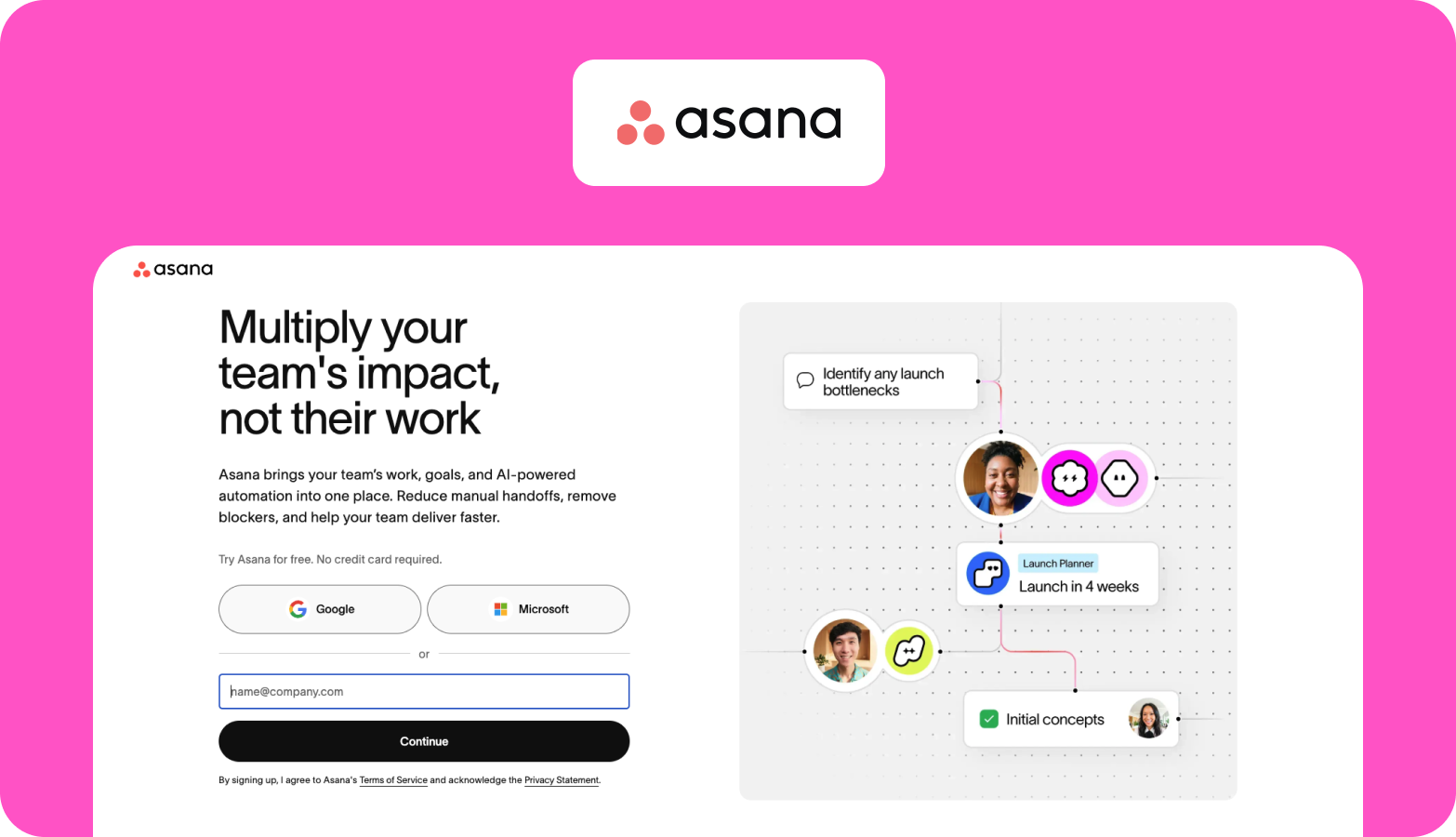
Who it is for: Marketing teams that need structured task management across campaigns, with strong collaboration features for content teams and stakeholders.
Asana is one of the most widely used task management platforms for marketing departments. It handles campaign planning, content calendars, and cross-team collaboration well. You build project templates, create dependencies, set milestones, and track workloads across your content team with a clean interface that requires less setup than Monday.com or ClickUp. Asana's Portfolios feature lets marketing leaders see progress across multiple campaigns at once, which is useful when your team runs parallel content programmes for different markets or product lines.
Strengths
- Clean, intuitive interface that marketing teams adopt quickly, with minimal onboarding.
- Task dependency and milestone tracking make campaign coordination across content teams straightforward.
- Portfolios and workload management (at higher tiers) give content leaders visibility across multiple projects and team capacity.
Limitations
- Search functionality struggles at scale. Users report that finding tasks from previous weeks becomes difficult if you do not remember exact names or projects.
- Not purpose-built for content production: lacks native editorial calendars, content briefs, and creative review workflows, so teams must build workarounds.
- Advanced features like portfolios, goals, and workload management are reserved for the Business and Enterprise tiers, creating friction for mid-market teams that need visibility but find per-seat costs hard to justify at scale.
Enterprise pricing: Enterprise and Enterprise+ tiers available. Contact sales for pricing.
4. ClickUp: best for all-in-one content operations management
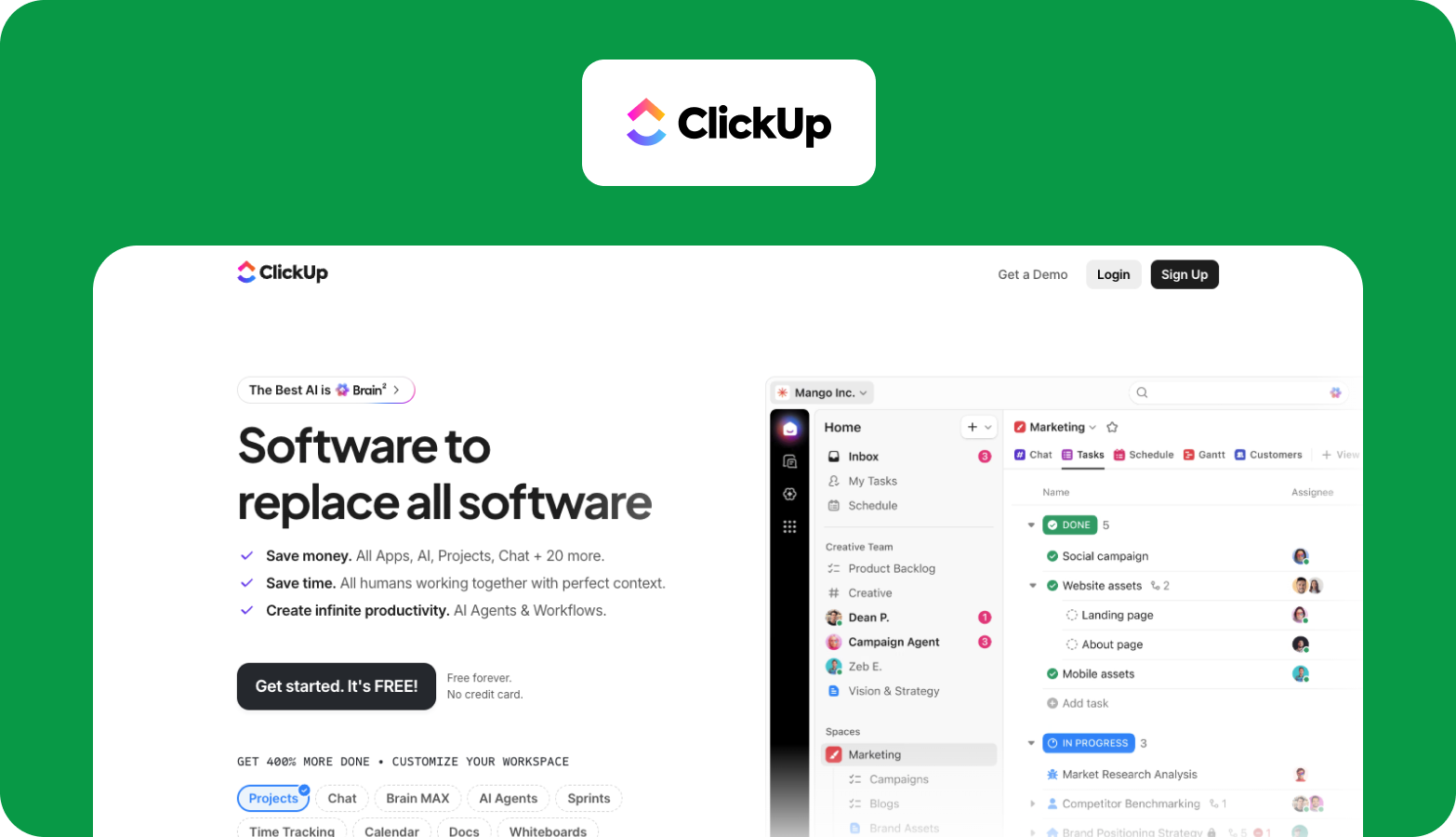
Who it is for: Content teams that want docs, tasks, wikis, and workflow automation in a single all-in-one platform without switching between tools.
ClickUp combines task management, document editing, whiteboards, goals, and time tracking in one workspace. You can draft blog posts in ClickUp Docs, manage your content calendar in Board or Calendar view, and track production timelines without leaving the platform. It also functions as a content production storyboard tool for teams that plan content visually, mapping out campaign timelines, organising content ideas by stage, and creating custom statuses for each phase of your editing process. AI-powered features (ClickUp Brain) help with generating ideas and summarising notes.
Strengths
- An all-in-one workspace eliminates tool switching by combining docs, tasks, goals, and time tracking into a single platform.
- Custom statuses, views, and automations let you build content workflows tailored to your team's process, from ideation to final publishing.
- ClickUp Brain adds AI-powered summarisation and idea generation, useful for speeding up early-stage content creation.
Limitations
- Performance lag becomes noticeable at enterprise scale with many tasks, views, and automations running at once.
- AI features are still maturing. Reviewers note that "there's still a lot of room to make them more powerful and better integrated into daily workflows." AI add-ons cost $9 to $28 per user per month on top of the base plan.
- No native content quality control or localisation features: brand compliance and translation management must be custom-built.
Enterprise pricing: Enterprise tier available. Contact sales for pricing. AI features are billed separately at $9 to $28 per user per month.
5. Airtable: best for AI-powered content production databases
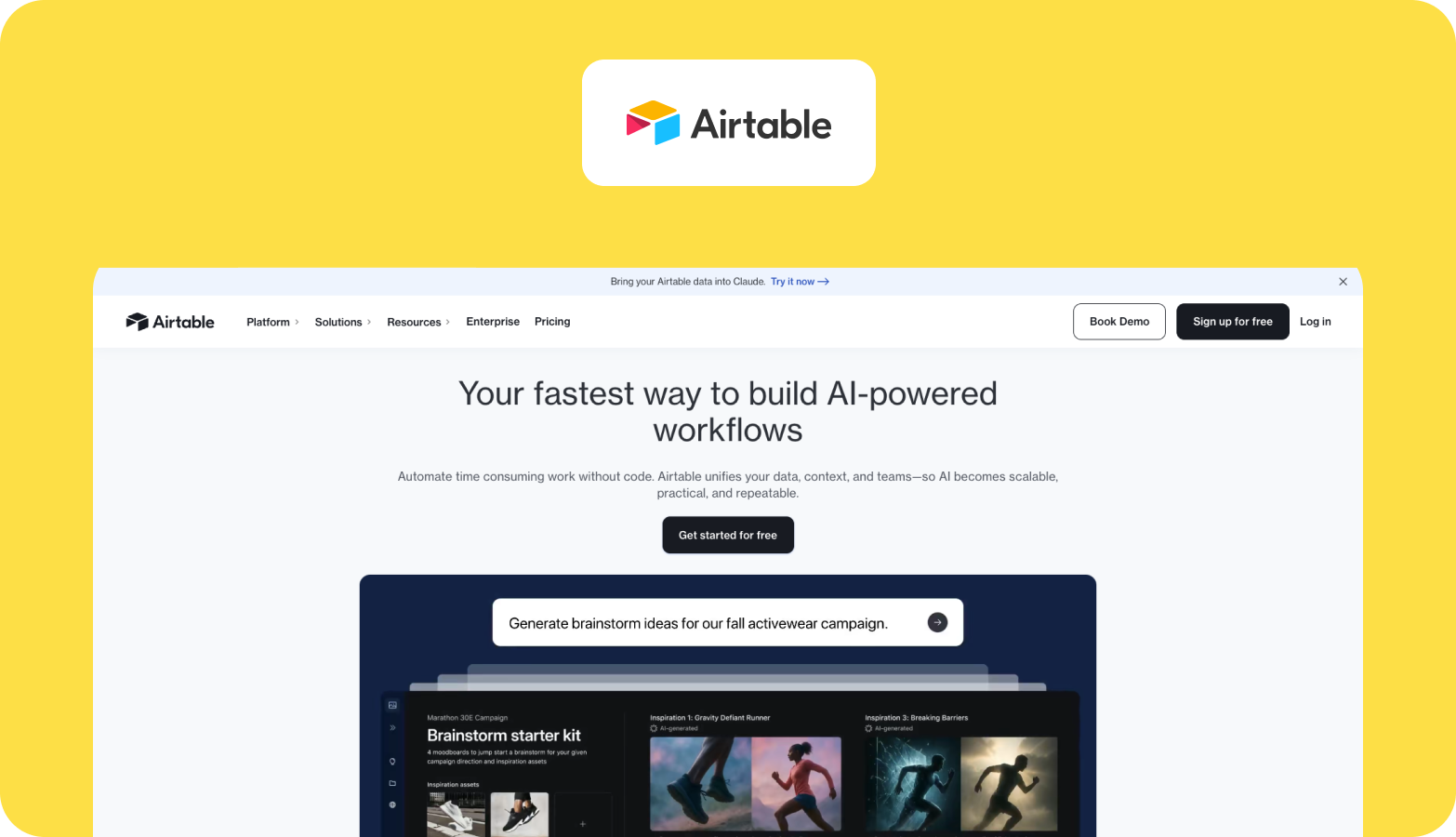
Who it is for: Data-driven marketing teams that want to build custom content databases with relational logic, automations, and AI-powered workflows.
Airtable sits between a spreadsheet and a database. You can build content calendars, editorial trackers, and production pipelines as interconnected tables with custom fields, views, and automations. For teams that think in data and want to track every piece of content from idea through publication with data-driven insights, Airtable gives you the building blocks. Its AI features add summary generation, categorisation, and sentiment analysis directly in your tables. Combined with Interfaces (custom dashboards), Airtable becomes a content management hub where you can visualise production status, track assignments, and manage resources across your content team.
Strengths
- A relational database structure connects content pieces, campaigns, authors, and assets in ways that flat project boards cannot.
- Airtable AI adds smart categorisation, summarisation, and field generation directly inside your content tables.
- Interfaces feature creates custom dashboards for different stakeholders without giving everyone the same cluttered view.
Limitations
- Row limits and performance degradation at enterprise scale. Users report that large databases slow down noticeably, a bottleneck for teams managing thousands of content assets.
- Requires technical skill for advanced workflows: building approval flows and custom interfaces goes beyond what most non-technical content teams can handle.
- No native content governance, approval routing, or multi-language support, so editorial calendars and brand consistency must be custom-built.
Enterprise pricing: Enterprise Scale tier available. Contact sales for pricing. Business tier starts at $45 per seat per month.
6. Notion: best for flexible content knowledge management
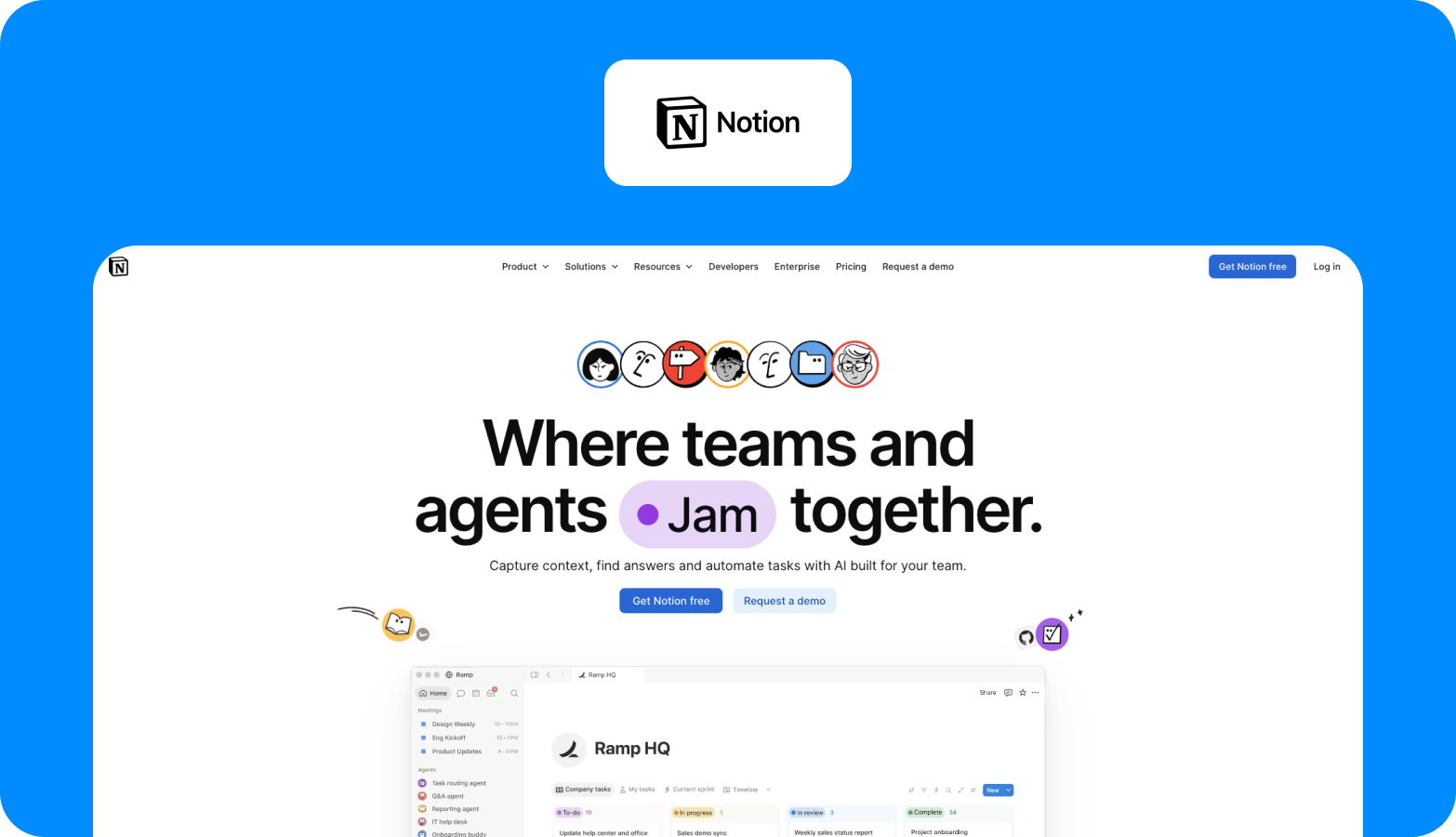
Who it is for: Content teams that want a flexible, wiki-style workspace for content planning, documentation, and collaboration without rigid structure.
Notion has become the go-to content knowledge base for marketing teams that value flexibility. You build content calendars, editorial workflows, project trackers, and team wikis using its blocks-based editor with real-time collaboration. For content ideation, Notion excels: you can create databases of content ideas, link them to campaign plans, and use Notion AI to generate ideas, rewrite drafts, and summarise research. Social media managers use it to plan social media posts alongside longer-form blog posts and marketing materials.
Strengths
- A blocks-based editor offers maximum flexibility for building content workflows, wikis, and databases that match how your team thinks.
- Notion AI assists with idea generation, draft rewriting, and content summarisation directly inside your workspace.
- Strong real-time collaboration features let content teams draft, comment, and refine work together in a single workspace.
Limitations
- No native publishing, distribution, or approval routing, so content teams still need separate tools for the "last mile" of content production.
- Performance lags with large databases. Users report that extensive content libraries cause noticeable slowdowns, limiting usability for enterprise-scale operations.
- No built-in content governance, brand compliance checks, translation management, or localisation features, keeping it in the "knowledge base" category rather than a full production platform.
Enterprise pricing: Enterprise tier available. Contact sales for pricing. Business tier starts at $20 per member per month.
7. Bynder: best for enterprise content approval workflows
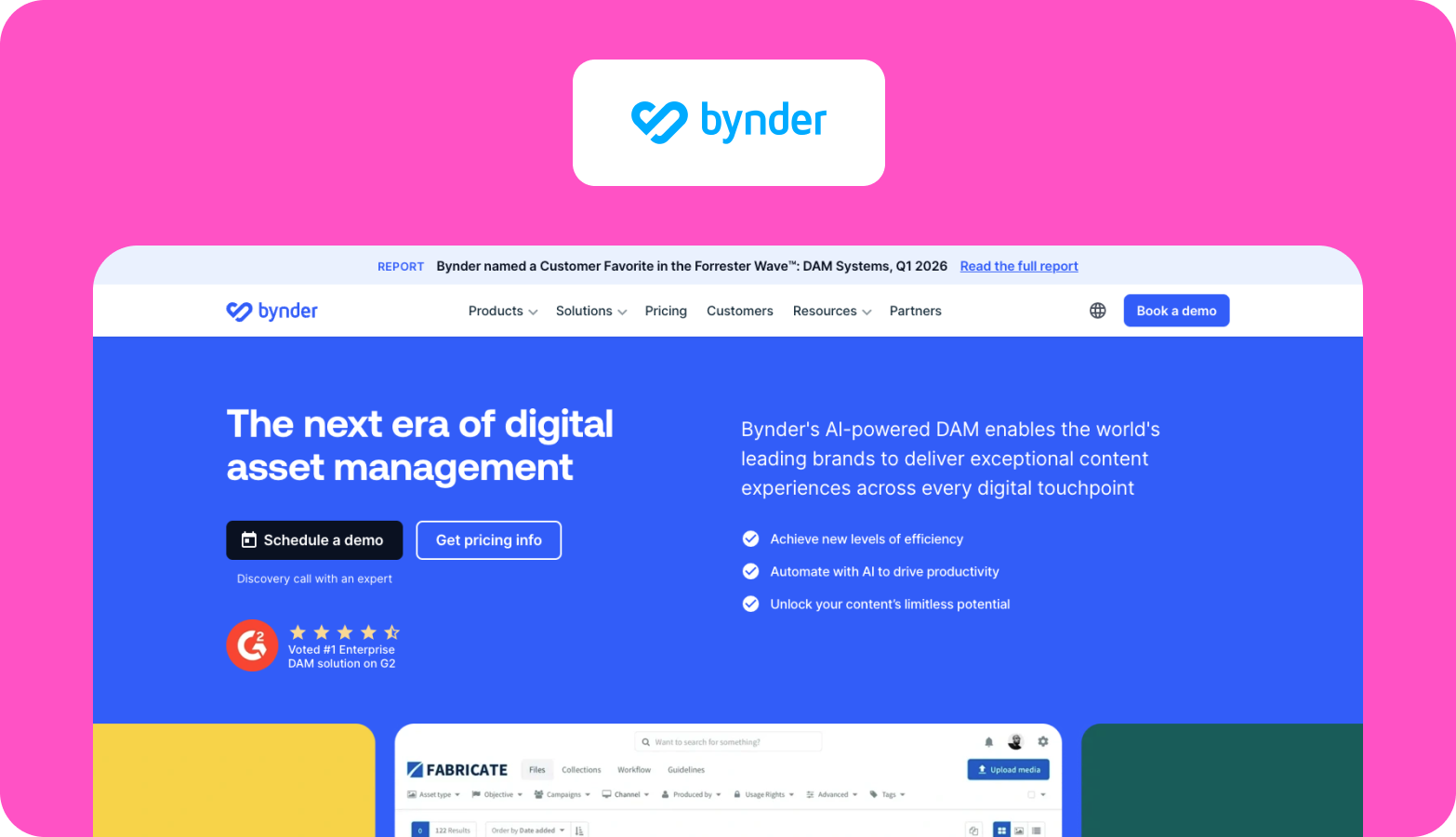
Who it is for: Enterprise teams that need a centralised digital asset management platform with brand governance and visual content approval workflows.
Bynder is a Digital Asset Management (DAM) platform, not a content production tool in the traditional sense. Its core strength is managing, organising, and distributing visual content and marketing materials at enterprise scale. The platform serves as a content-production casting tool for visual assets: teams upload, tag, organise, and distribute approved materials through branded portals. Bynder's Brand Templates let marketing departments generate on-brand asset variations without involving designers for every request. This is valuable for teams managing large volumes of audio files, interactive graphics, free stock photos, and branded visual content across multiple channels.
Strengths
- Centralised storage, tagging, and distribution help enforce brand guidelines across global teams.
- Brand Templates let marketing teams create on-brand asset variations without designer involvement for every request.
- Branded portals give internal teams and external partners controlled access to approved assets, reducing the risk of publishing outdated or off-brand content.
Limitations
- Time-consuming and costly initial setup. Users report that migration and configuration for enterprise teams with large asset libraries require significant time and resources.
- Asset-focused, not content-workflow-focused: Bynder handles storage, tagging, and distribution but lacks editorial workflow management, content brief creation, and multi-stage review processes for written content.
- Portal performance slows under high asset volumes. Users note that the portal "can feel a bit sluggish at times," especially for teams managing 8,000 or more assets.
Enterprise pricing: Fully custom and modular. No named tiers. Contact sales for pricing.
8. CoSchedule: best for editorial calendar and content scheduling
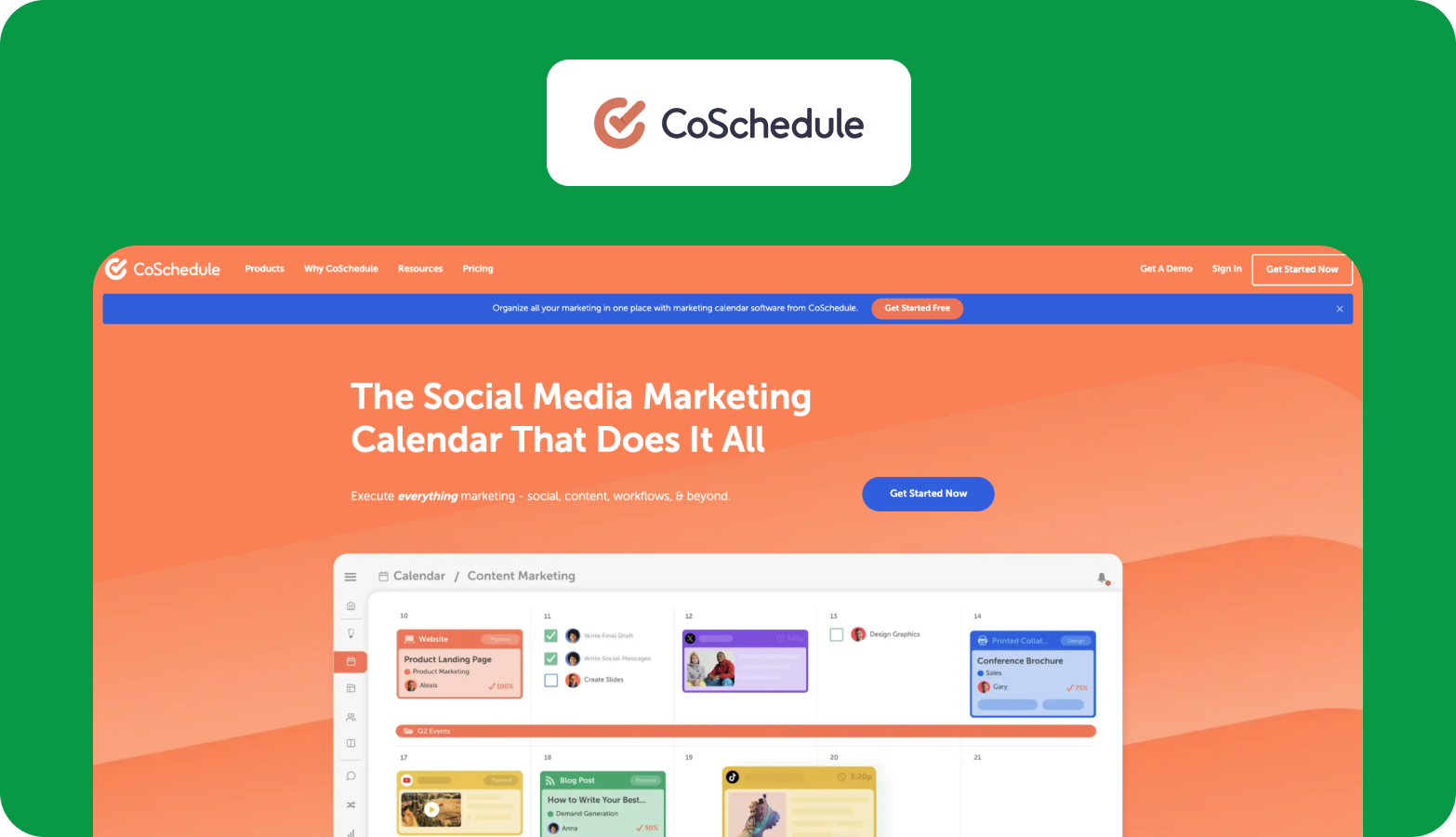
Who it is for: Small to mid-size marketing teams that need a visual content calendar with built-in social media scheduling and publish content capabilities.
CoSchedule's Marketing Suite centres around a shared editorial calendar that gives your team visibility into what is being published, when, and on which channels. Social media managers can schedule posts directly from the calendar, and the platform integrates with WordPress to schedule blog posts. It also offers a Headline Analyser, ReQueue (automated social resharing), and basic project management features. For marketing teams focused on social posts and blog content across a few channels, CoSchedule provides a streamlined workflow that doesn't try to be everything at once.
Strengths
- A visual editorial calendar gives marketing teams a single view of all scheduled content across channels and formats.
- Built-in social media scheduling with ReQueue automatically reshares top-performing social posts, reducing manual republishing work.
- Headline Analyser scores your titles and suggests improvements, helping content marketers optimise blog posts for search rankings before publishing.
Limitations
- Limited enterprise adoption. With only 152 G2 reviews (71% from small businesses), CoSchedule Marketing Suite has minimal traction among mid-market and enterprise teams compared to tools with 12,000+ reviews.
- Users report outdated UX and weak integrations, noting that "they have botched their API with META" and that core social platform connections have become unreliable.
- No multi-language support, limited approval workflows, and no content quality control features keep CoSchedule in the calendar and social scheduling category rather than full content production management software.
Enterprise pricing: Marketing Suite (highest tier) available. Contact sales for pricing.
9. Wrike: best for cross-functional marketing project management
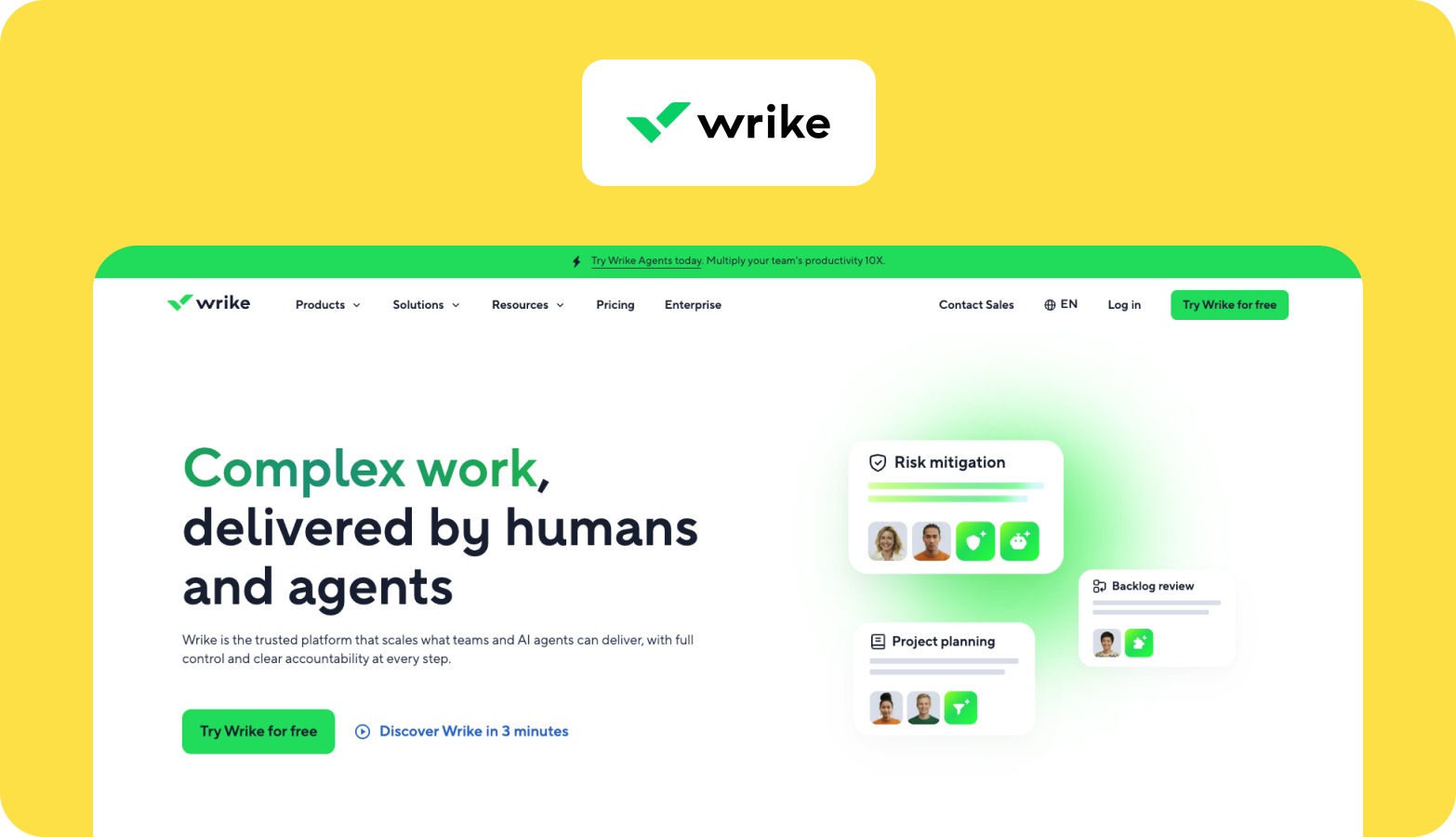
Who it is for: Large marketing teams and digital teams running cross-functional projects where content production is one workstream among several.
Wrike offers campaign management, creative request forms, proofing tools, and custom approval workflows built for cross-functional collaboration. The platform supports task tracking, resource management, and Gantt-chart-style planning, making it a strong fit for teams that manage resources across content, design, events, and demand generation simultaneously. Wrike's proofing feature lets reviewers annotate visual content and documents directly in the platform, and its approval routing sends content through predefined review stages.
Strengths
- Proofing and annotation tools let reviewers mark up visual content and documents directly in the platform.
- Custom approval routing sends content through predefined review stages for multi-stakeholder sign-off.
- Cross-functional visibility lets marketing leaders manage content, design, and demand-generation workstreams in a single view, with Gantt charts and resource planning.
Limitations
- Steep learning curve is the most cited complaint across 4,500+ reviews. Users report spending a significant amount of time on onboarding before they can use the platform effectively.
- The interface is not intuitive for content-specific work, and search functionality frustrates users trying to find older tasks in larger projects.
- No native multi-language or localisation features, and content-specific capabilities (editorial calendars, content briefs, brand compliance) are limited compared to purpose-built tools.
Enterprise pricing: Pinnacle and Apex tiers available. Contact sales for pricing.
10. Planable: best for social and short-form content approvals
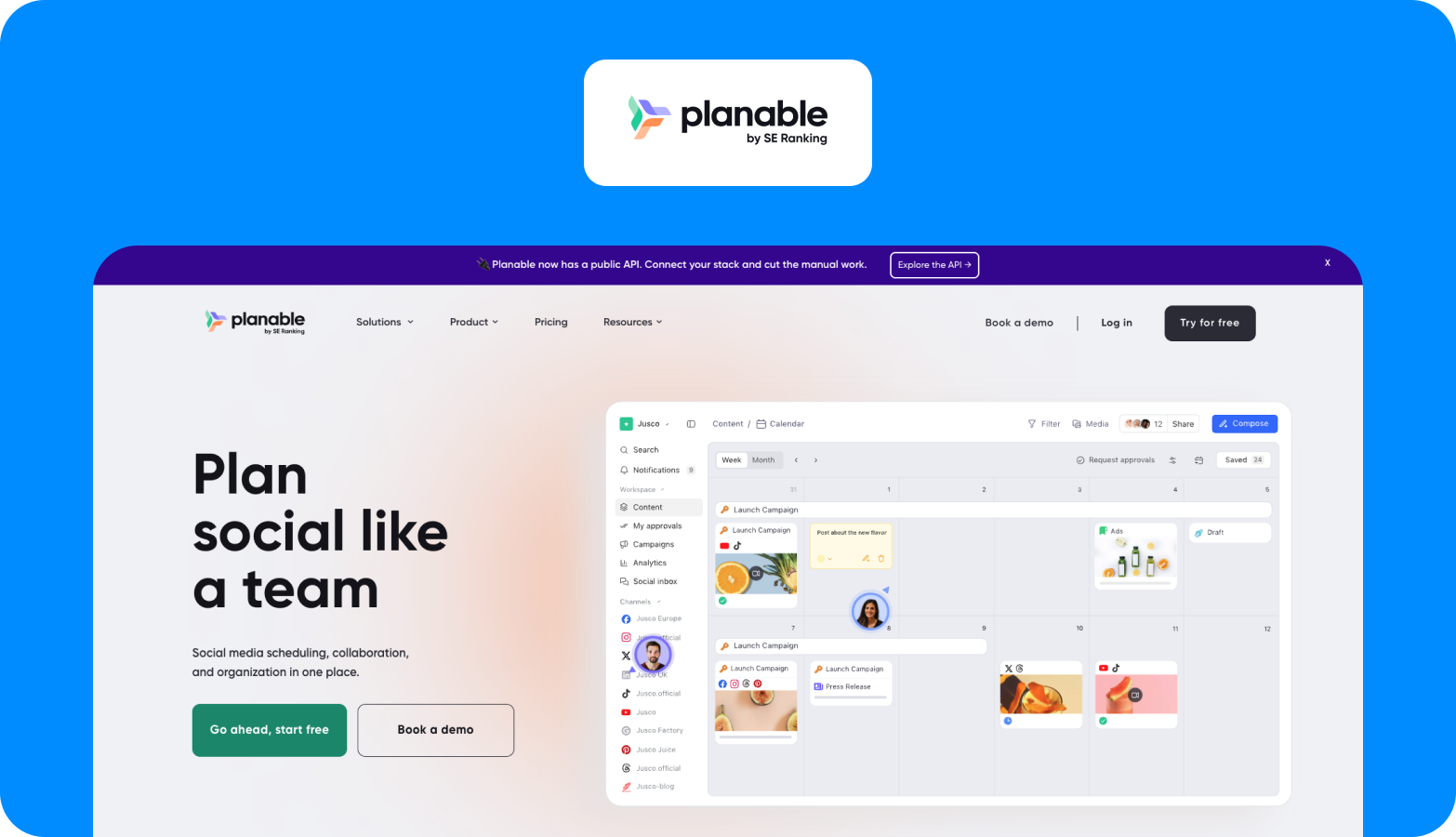
Who it is for: Social media managers and content teams focused on short-form content creation, visual approval, and multi-channel publishing.
Planable displays your content exactly as it will appear when published (on Facebook, Instagram, LinkedIn, Twitter, and other platforms), so reviewers approve the final version, and not a text draft in a Google doc. The platform supports content calendars, collaboration features, and direct publishing to social platforms. It also handles blog content through its Universal Content feature, though its core strength remains social and short-form content. Planable is an ideal fit for addressing bottlenecks in content approval and publishing.
Strengths
- Visual approval feeds show content exactly as it will appear when published, making reviewer feedback more accurate and reducing revision cycles.
- Clean, intuitive interface that social media managers and content teams adopt quickly without extensive training or onboarding.
- Universal Content feature extends beyond social posts to blog content and other formats, giving teams a single approval layer across channels.
Limitations
- Focused on review and approval, not full production: does not handle content briefing, creation, assignment, or upstream workflow management that enterprise content teams require.
- No multi-language support, localisation workflows, or built-in content quality control beyond the visual preview and approval feed.
- Best suited for social and short-form content, with limited depth for teams managing long-form content production, marketing materials, and multi-format campaigns at enterprise scale.
Enterprise pricing: Enterprise tier available. Contact sales for pricing.
Which content production management software fits your team?
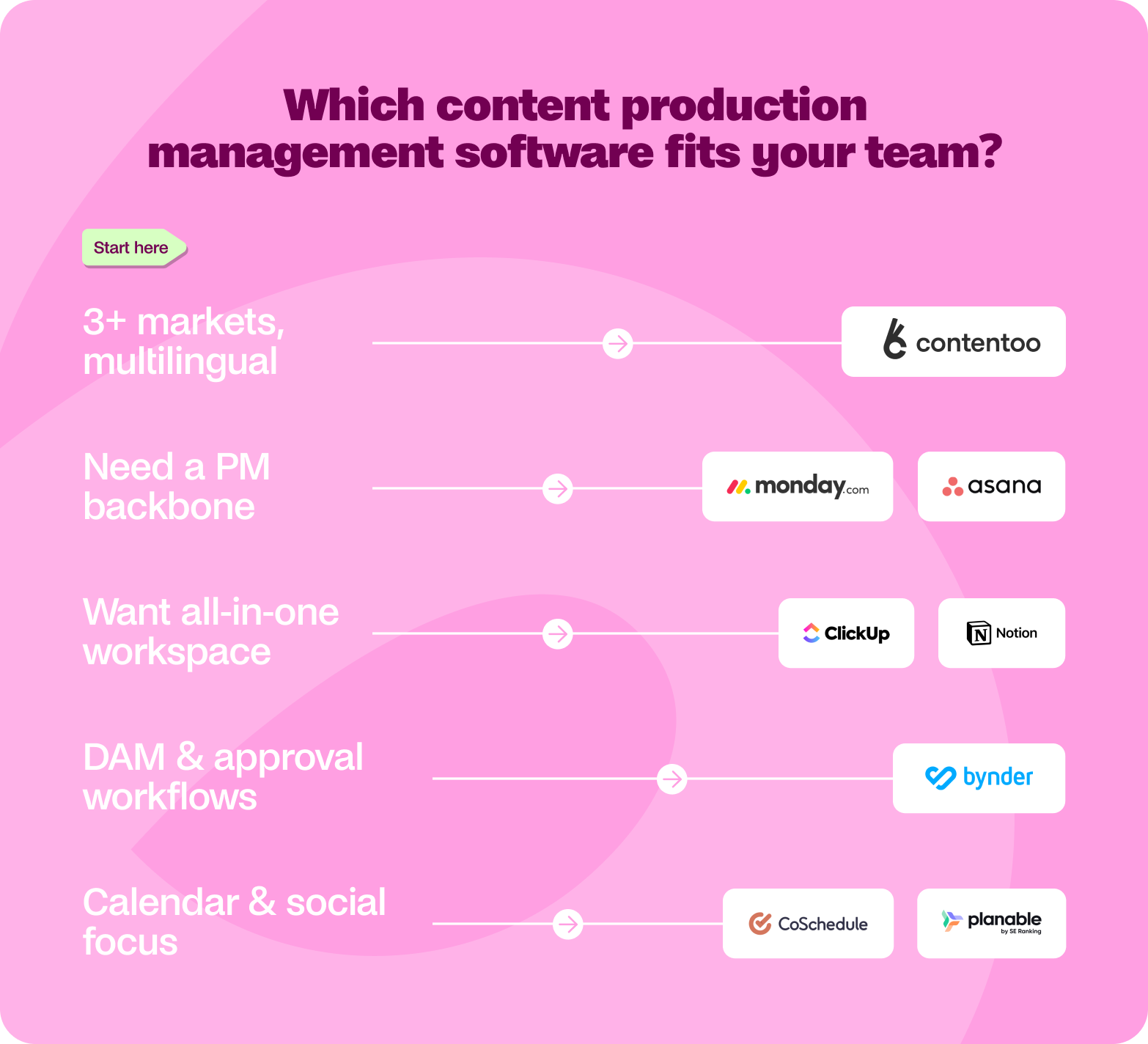
Choosing the right content production management tool comes down to your team's primary bottleneck and how you would like to solve it.
If you manage multi-language content across 3+ markets, Contentoo is the clearest fit. No other tool here combines workflow orchestration with native multi-language production, vetted freelancers, and dedicated account management.
If you need a customisable project management backbone, Monday.com or Asana gives you the flexibility to build content workflows on top of a proven PM layer. Monday.com offers deeper automation; Asana offers a cleaner interface.
If you want an all-in-one workspace with docs, tasks, and wikis, ClickUp or Notion collapse multiple tools into one. ClickUp provides more structure for workflow automation; Notion provides more freedom for knowledge management.
If your priority is digital asset management and approval workflows, Bynder handles brand governance and visual content distribution for enterprise teams managing large asset libraries.
If you are focused on the editorial calendar and social scheduling, CoSchedule or Planable covers the workflow for both. Neither handles full content production management.
TLDR: Match your tool to your bottleneck. PM tools solve coordination problems. DAM tools solve asset problems. Calendar tools solve scheduling problems. Only a purpose-built content production platform solves the production problem: getting content from brief to publication at scale, on-brand, and across markets.
For teams dealing with genuine complexity, such as managing production across multiple markets, different formats and languages, and stakeholders, you should shift to a solution that can build a system where structured workflows, human expertise, and built-in quality control scale alongside your go-to-market strategy.
You have read the criteria, compared the tools, and mapped the gaps. The next step is a conversation. Book a demo with Contentoo, and we will walk you through how teams like yours can scale content production without the chaos.
FAQs
How do I choose the right content production management tool for my team?
Identify your primary bottleneck. If your team struggles with coordination, a project management tool like Asana or Monday.com may be enough. If your bottleneck is production quality and scale across languages and markets, you need a purpose-built platform like Contentoo that handles the full workflow plus talent and quality control. Match the tool to your problem, not to the longest feature list.
What is the difference between content production software and a CMS?
A CMS handles the publishing and display of content on your website. Content production software handles everything before publishing: planning, briefing, creating, reviewing, and approving content. Many teams use both: a content production platform for the creation workflow and a CMS like WordPress or HubSpot for the published output.
Can content production management software handle multi-language content?
Most general-purpose tools (Monday.com, Asana, ClickUp, Notion) do not include native multi-language features. Teams manage translations through separate processes or third-party integrations. Contentoo is an exception: it offers 49+ languages through native-speaking freelancers, localised keyword research, and integrated localisation workflows.
How much does enterprise content production management software cost?
Enterprise pricing varies widely and is rarely listed publicly. Most tools on this list offer enterprise tiers with custom pricing through sales conversations. Per-seat models add up when you include all stakeholders, reviewers, and contributors. Contentoo offers custom pricing based on content volume, languages, and scope.
What integrations should content production management software support?
At a minimum, connect to your CMS (WordPress, HubSpot), project management tools (Asana, Monday, Jira), collaboration tools (Slack, Microsoft Teams), and analytics platforms (Google Analytics). The best tools also integrate with Google Workspace and Google Docs, so your team avoids copying content between platforms.
Is Contentoo a content production management platform or an agency?
Contentoo is a content production platform with integrated human expertise, not a traditional agency. It combines a workflow platform (briefing, tracking, approvals, publishing integrations) with a vetted freelancer network and dedicated Customer Success Management. Unlike an agency, you retain full control over your content operations. Unlike a pure software tool, you get access to talent and hands-on account management.

.png)

.webp)